


A Squarestylist SignatureProgram
Learn the code
Create the Unexpected
Charge with Confidence
Standout Squarespace
Course, Community, Creative Library
Craft standout websites
Book high-end projects
Standout Squarespace Course
for Web Designers

Signature Program by
Squarestylist
Standout Squarespace is a complete system for designers ready to master Squarespace and its code, create innovative websites and workflows, and build a thriving design business.
Course, community, personalized guidance, and growing resource library — all in one place.
Are you next?
Join 500+ students who have taken their craft and business to the next level
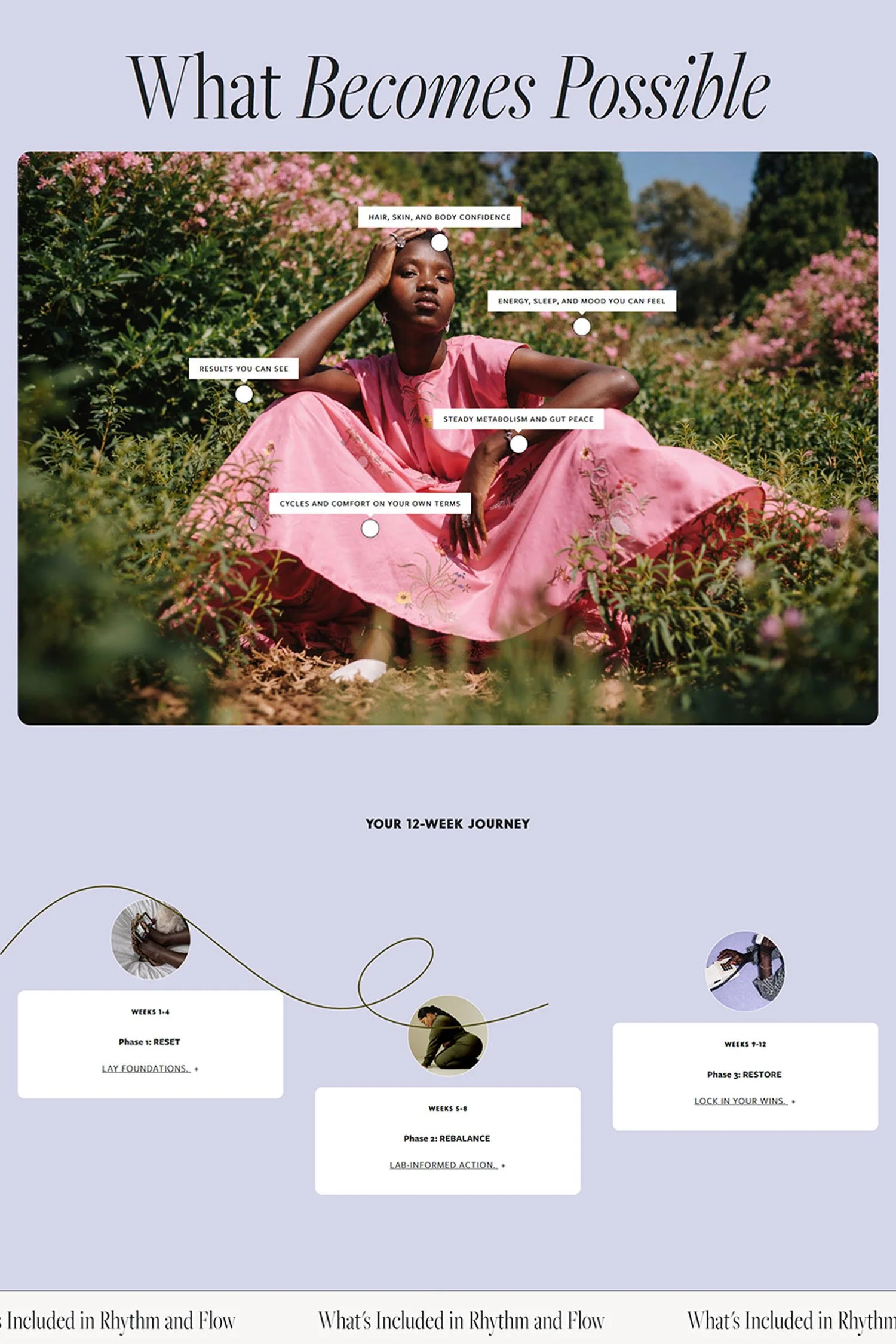
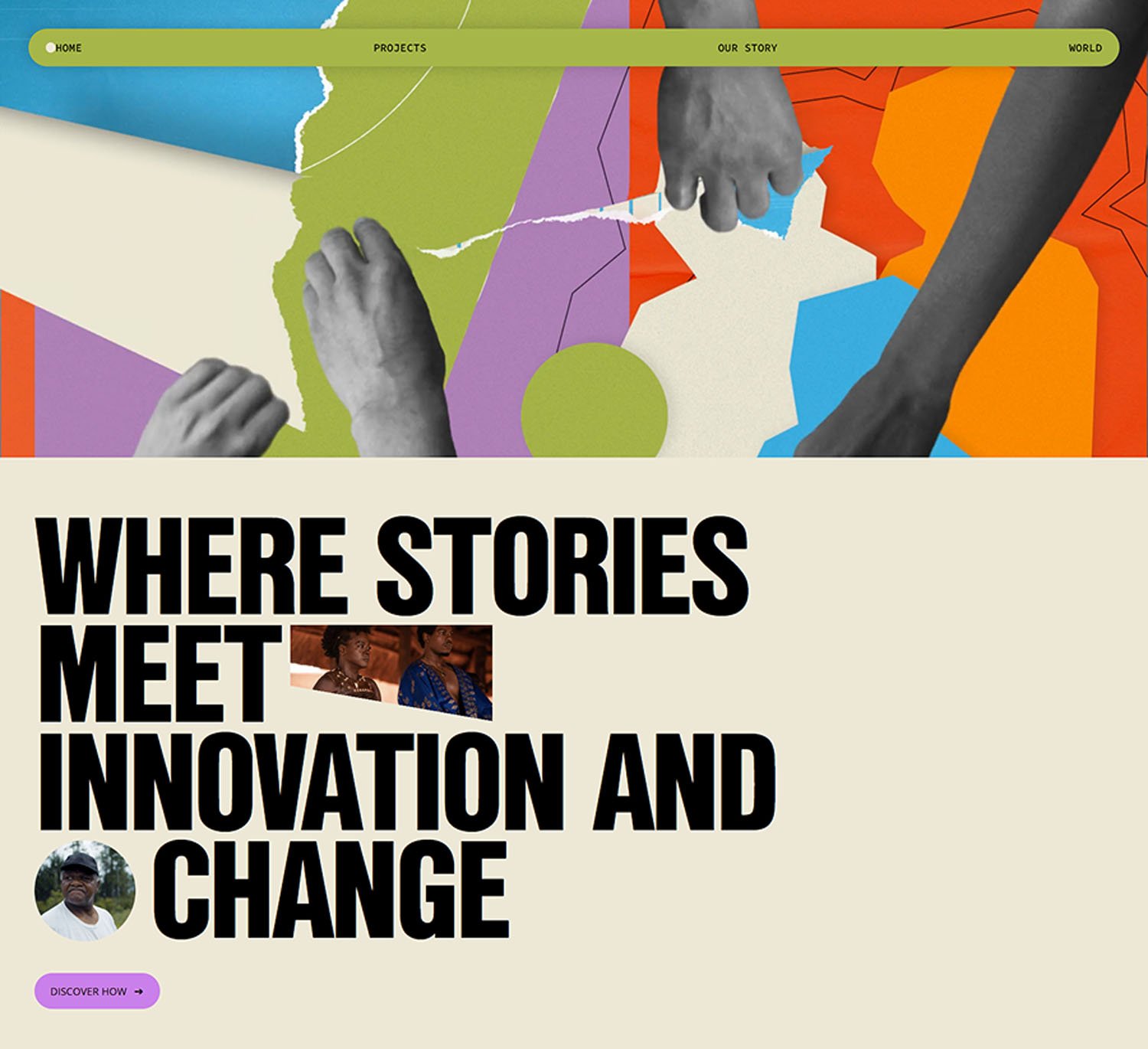
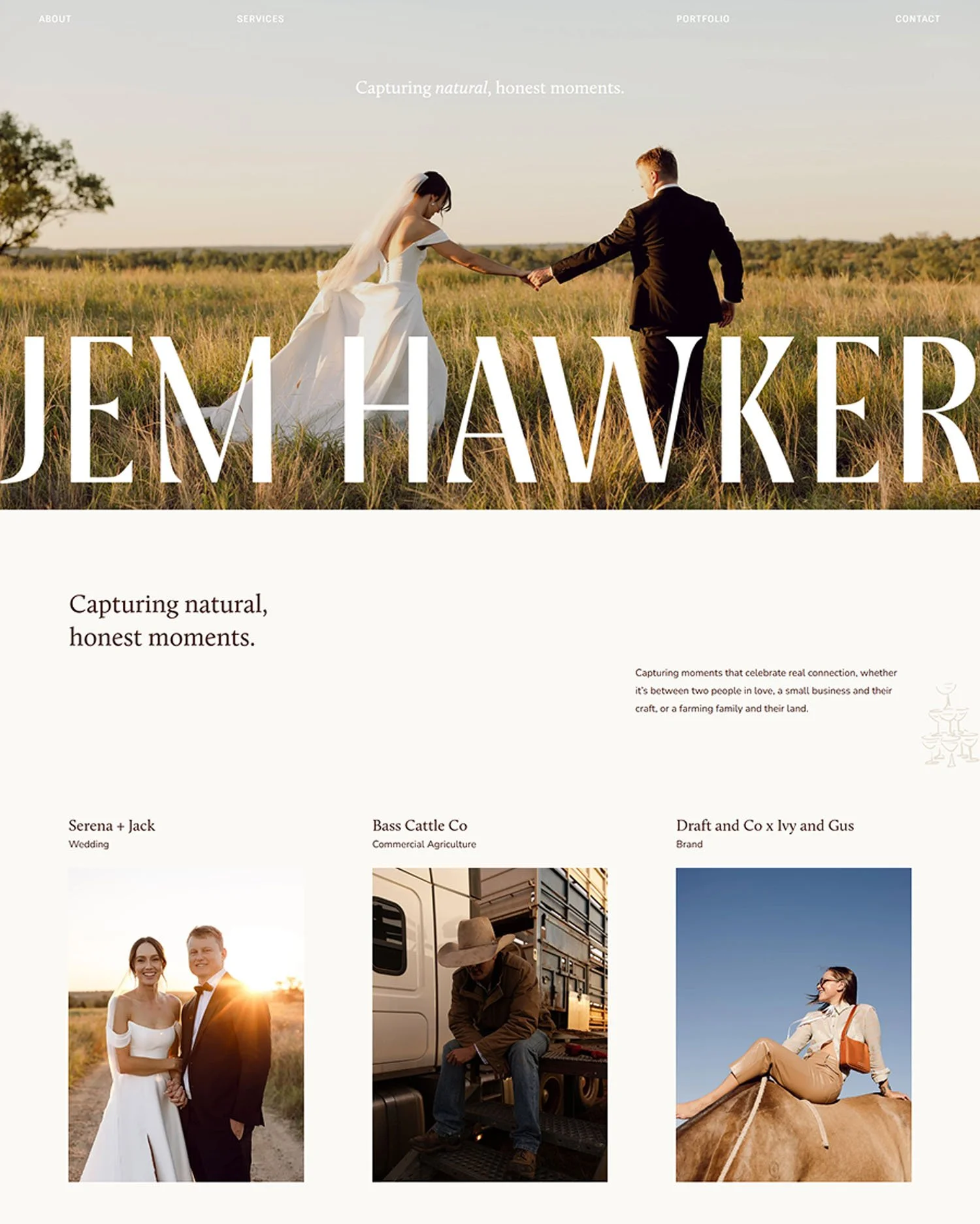


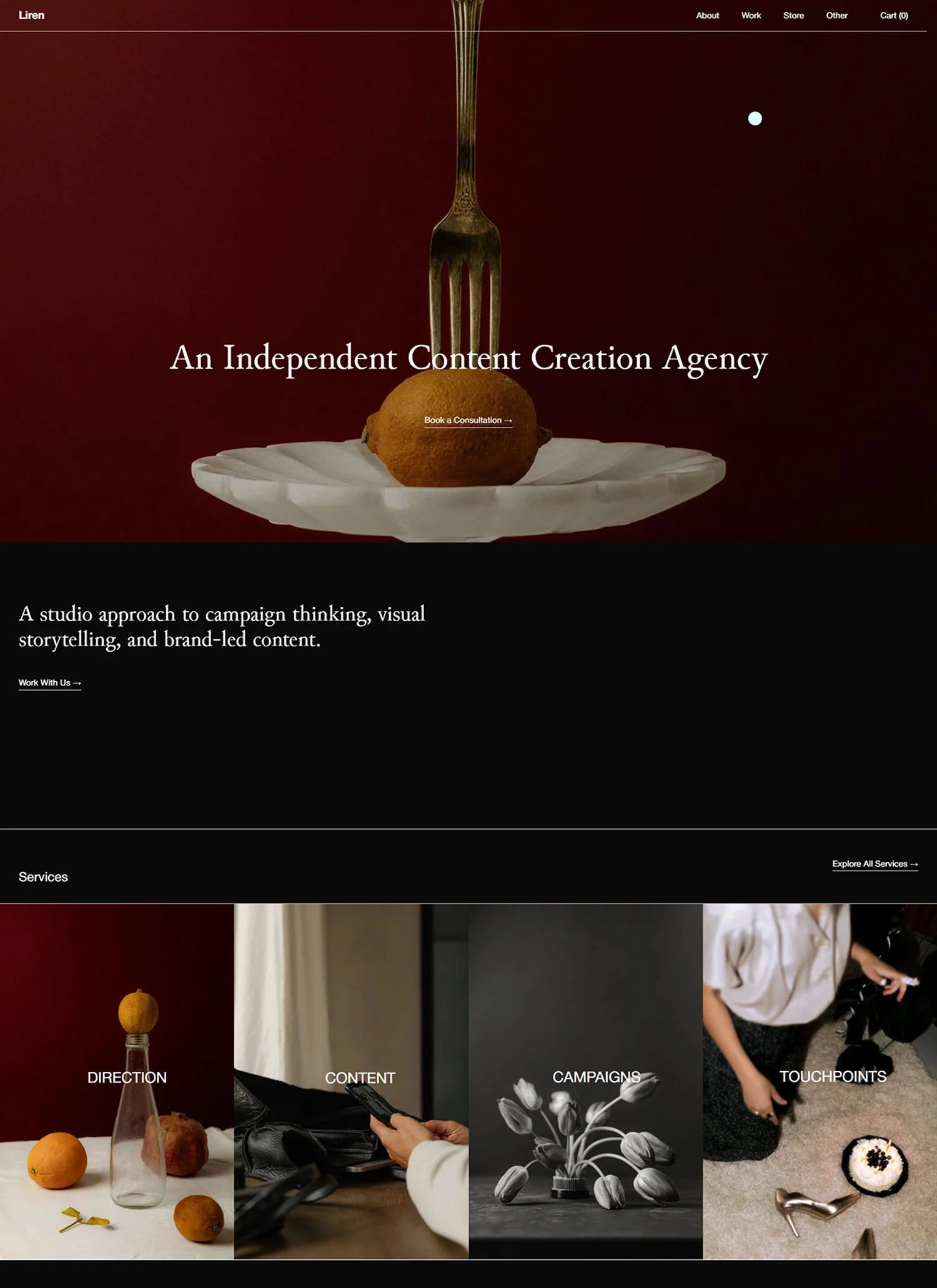
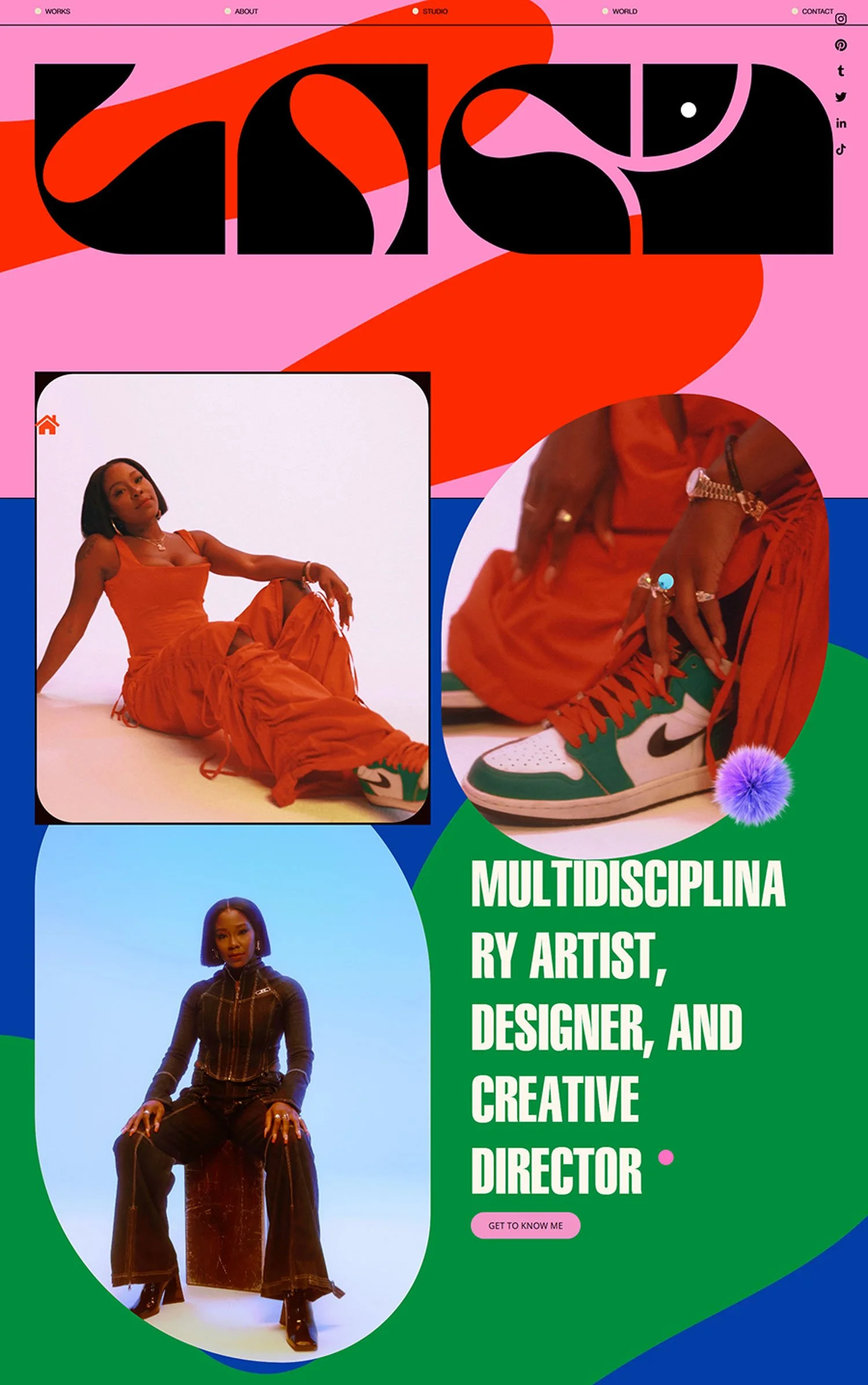
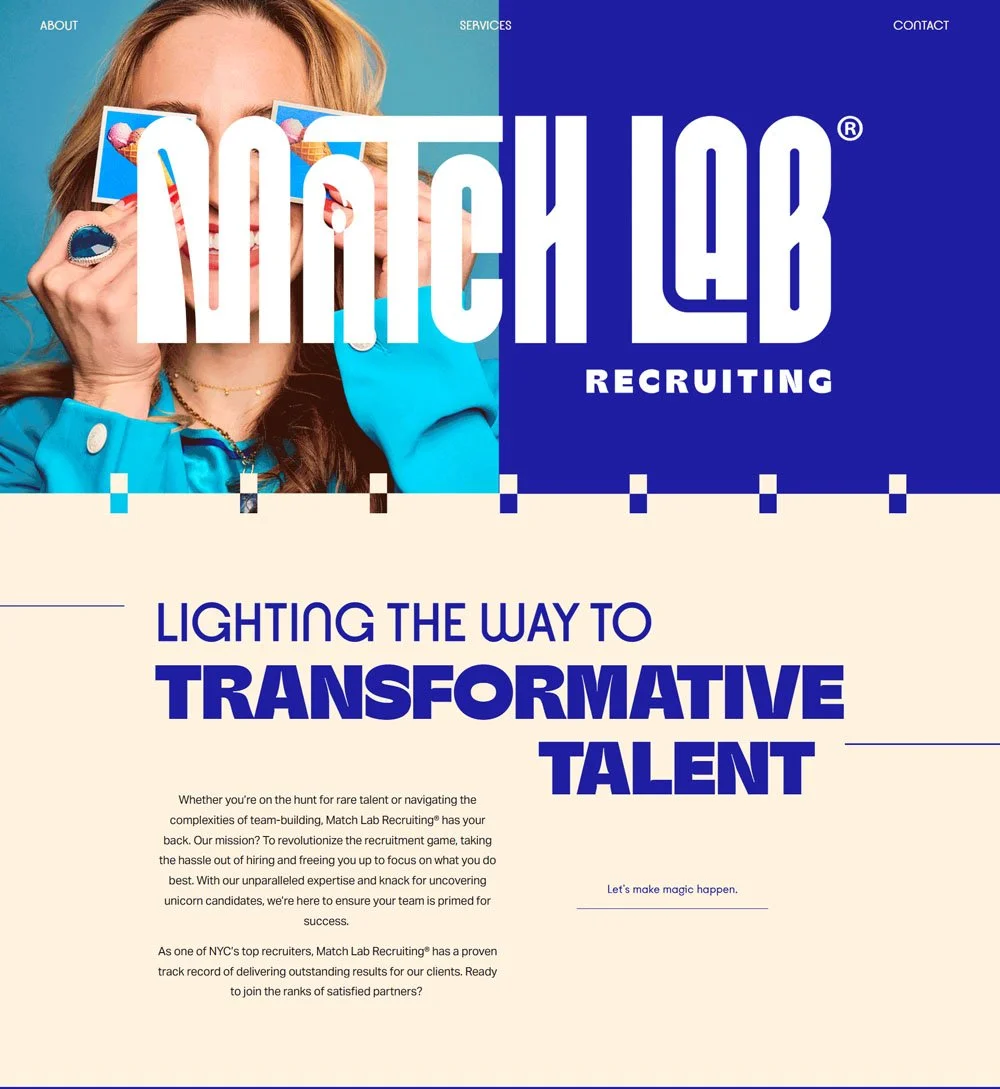

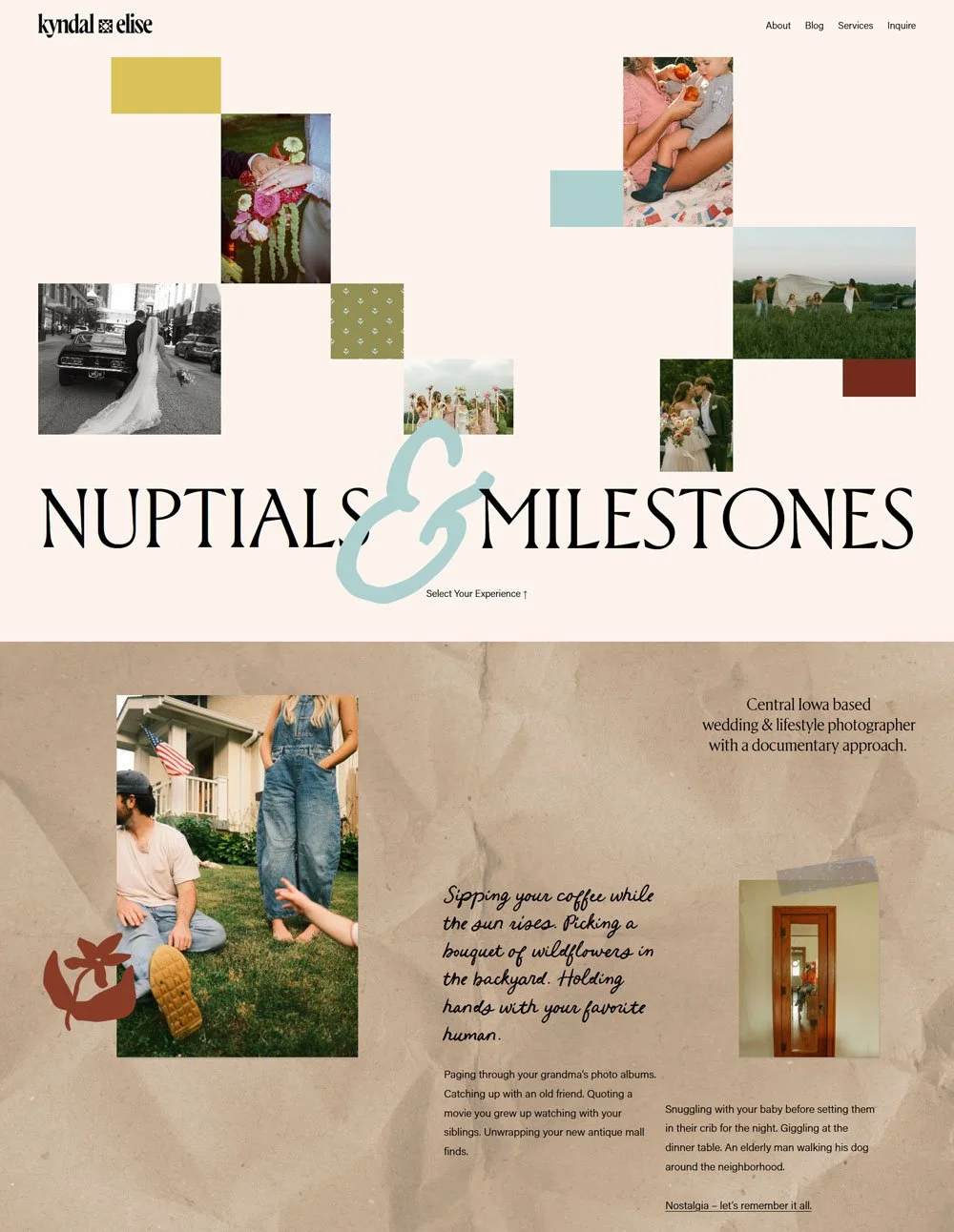
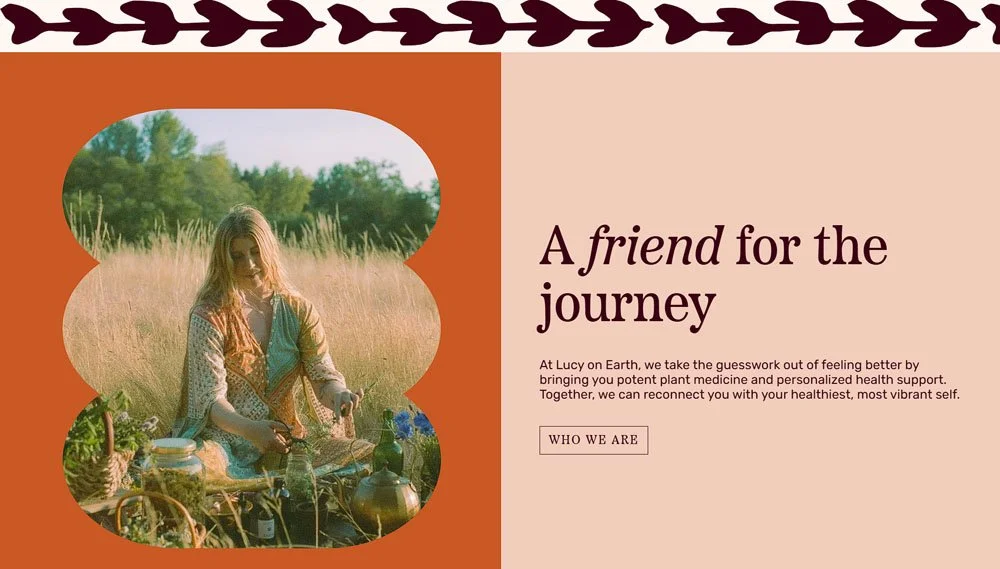
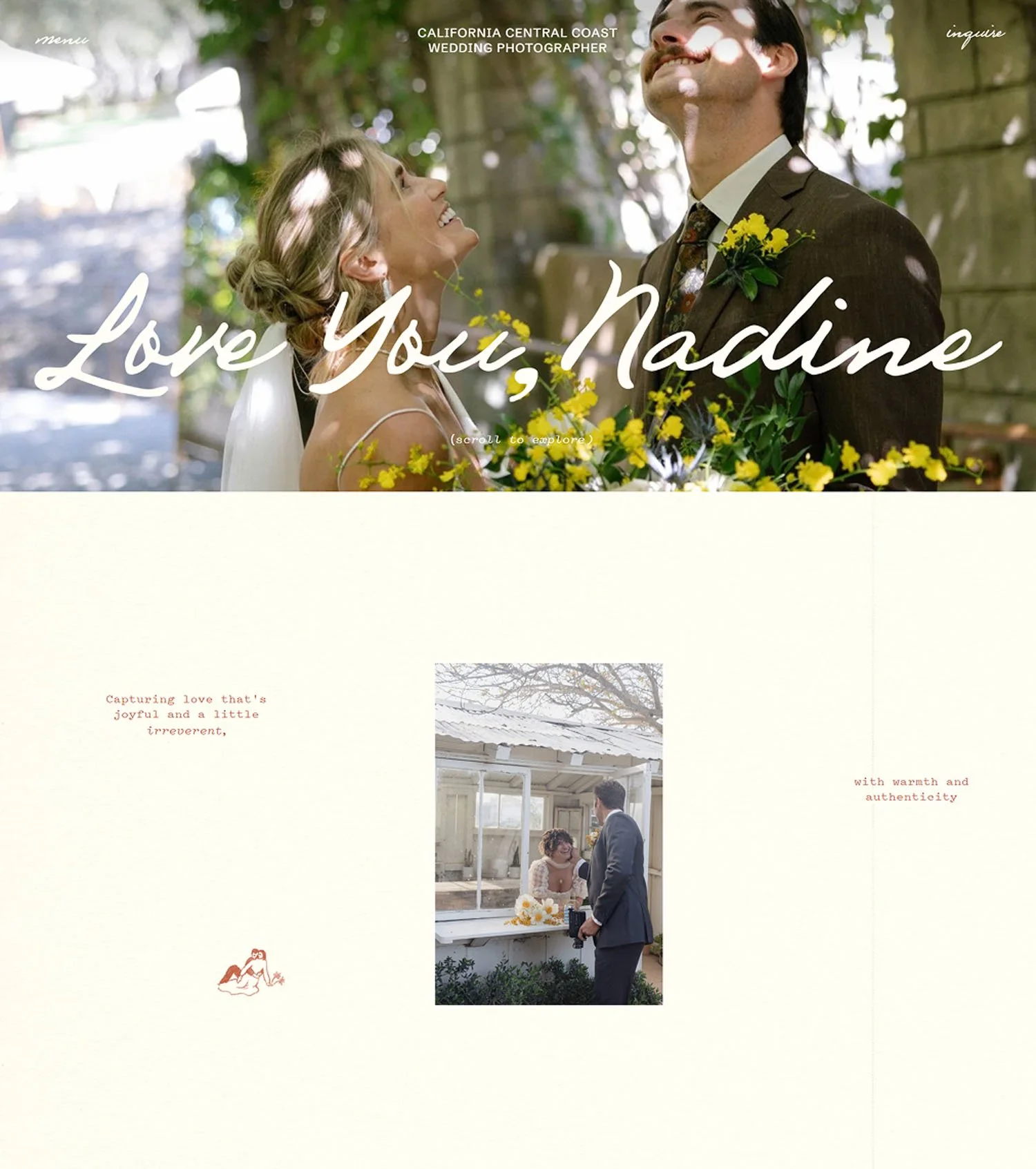
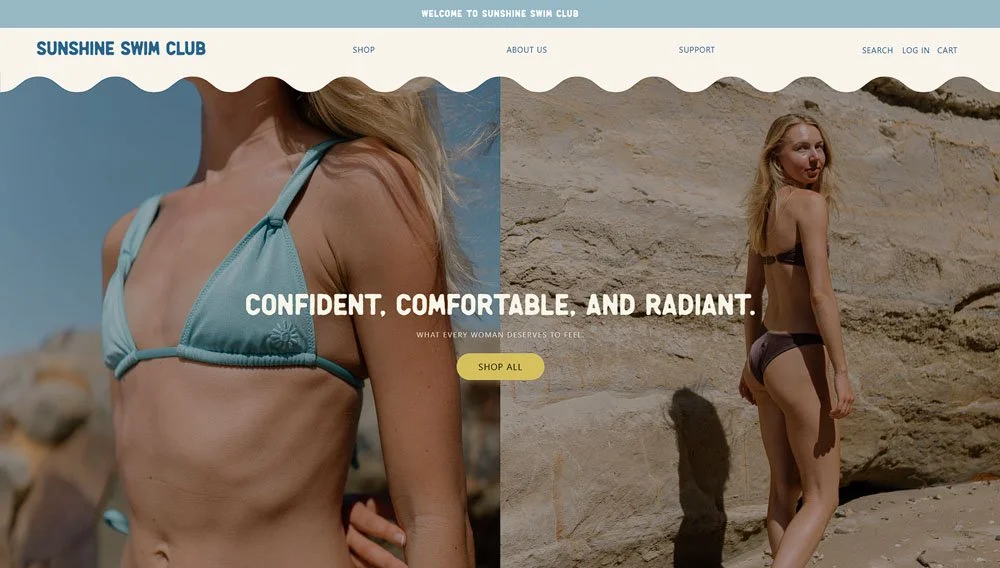
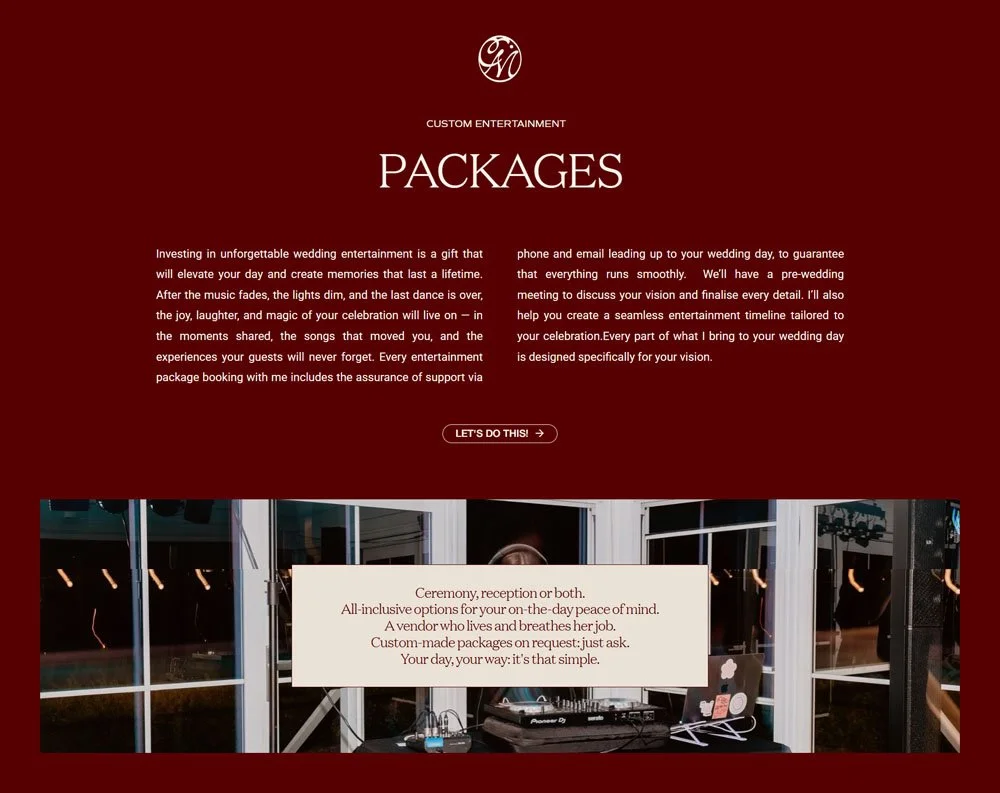
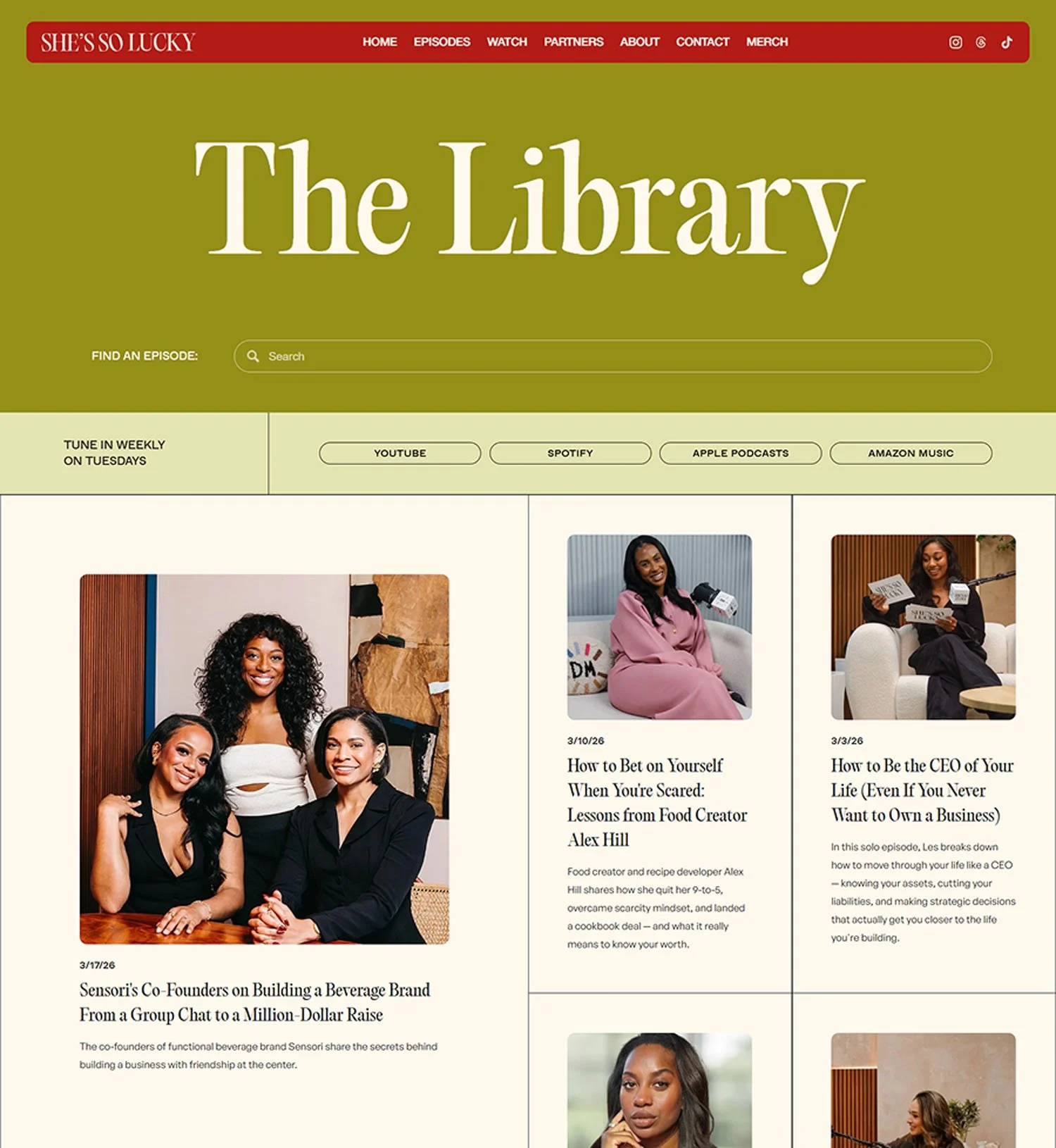
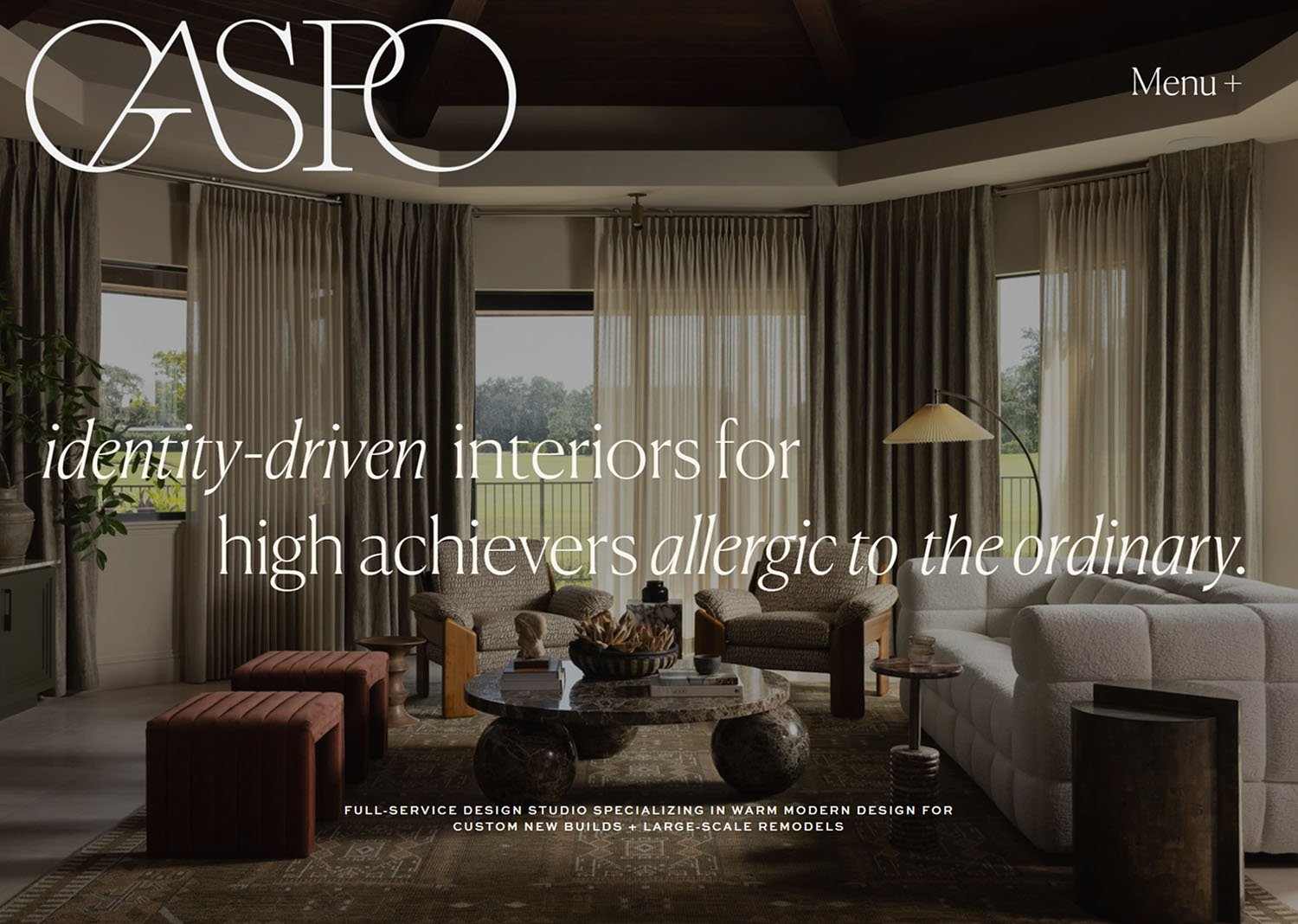
Answer the Call for Craftsmanship
There are more than 1.4 billion websites in the world wide web, yet the average visitor only spares 54 seconds of their time scrolling in one. It's no longer enough to have a website — you need one that cuts through the noise.
THE SEEKERS
Built for designers at every stage
Standout Squarespace meets you where you are. Whether you're just starting out, pushing past creative limits, or scaling a studio you've already built.
The Curious Beginner
You're new to web design—whether you're a student, a creative, or a professional from an entirely different field. You want to build a website you're proud of, whether for your business or for future clients. This is where your journey begins.
The Designer turned Developer
Your aesthetic sense is your strongest asset but somewhere between the mockup and the live site, things get lost in translation. You're ready to learn the code that closes that gap for good and build as beautifully as you design.
The scaling studio owner
Your studio is established, your Squarespace knowledge is solid, and your clients trust you. But your workflows don't scale and your rates don't fully reflect what you bring. You don't need to start over—you need to sharpen, systemize, and scale.
One









Two
Three
The YearningBuild your vision in less time
-

The skills to build what you envision
You piece snippets together hoping they'll work. You've turned down projects because you weren't sure the platform could do it. You're ready for your ability to catch up with your ambition and a support system to lean on when you hit a wall.
-

The time to focus on what matters
Projects drag longer than they should. You rebuild the same sections from scratch and lose hours to patchwork processes. You want smarter workflows, a reliable toolkit, and a support system to turn to when you're stuck.
-

The business that you love
Your rates don't match the care you bring to every project. Raising them feels risky when you can't point to what sets you apart. You want pricing grounded in competence and a studio that grows without burning you out.
-

The Standout Way
This is the framework everything in Standout Squarespace is built around.
-

Learn the Code
Learning the code is holistic: strategy, accessibility, responsive design, performance, the architecture of Squarespace itself. We build the foundation first because when the thinking is clear, the building is better
-

Create the Unexpected
When you understand code, you stop asking 'can Squarespace do this?' and start asking 'how far can I push it?' A few lines of code can transform a built-in component into something distinctive and more valuable to your clients
-

Charge with Confidence
With technical mastery as your foundation, you've built a specialized skill that isn't easy to find. Your pricing reflects the value that you bring, and your clients can see it in the work.
ThE SHIFT
The designer you’re becoming
-
You build what you envision
With real coding knowledge, your creative ambition becomes the starting point—not the thing you scale back. You stop simplifying your vision and start executing it.
-

You make smarter use of your time
Smart techniques, a reliable toolkit, and pre-built templates do the heavy lifting. Projects that used to drag now wrap up on time, and your hours go back into the craft.
-

Your rates match your craft
Pricing shifts from a guessing game to a grounded conversation. Students routinely raise their rates 2x, 3x, even 5x—because their skillset truly expanded.
-

You're never building alone
Ask your question and get thoughtful, personalized guidance—often with detailed Loom walkthroughs built around your exact situation. A mentor and community in your corner.
Your Standout Journey
Phase I
Design with Intention
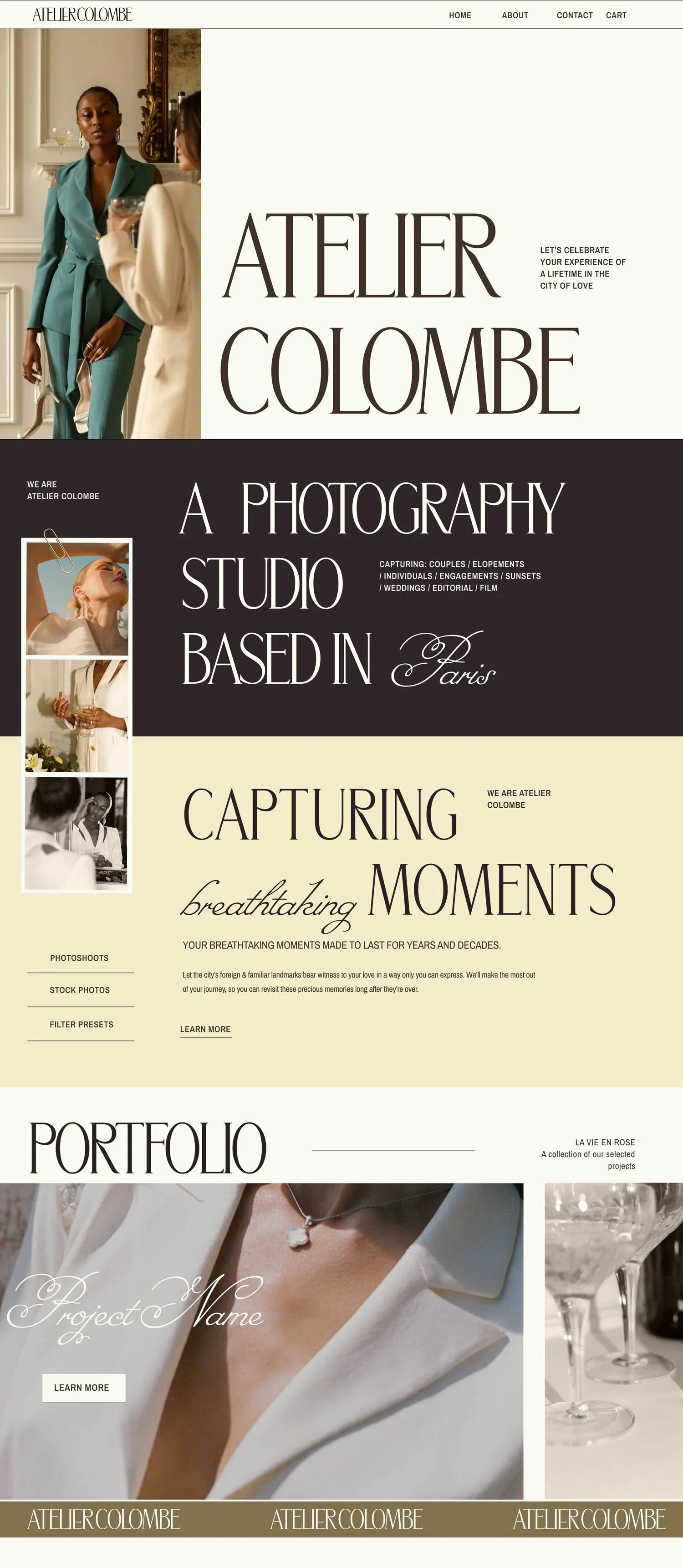
We start with strategy: gathering meaningful client insights, translating them into a Website Strategy Document tied to real business goals, and wireframing layouts with purpose. Responsive design, accessibility, SEO, and performance are built into every decision from the start
Crafting the website strategy document
Wireframing with development in mind
The art of responsive design
SEO and site performance
Best practices for accessibility
Phase II
Build with Mastery
Guided by our Squarespace Checklist, you'll build a complete project from scratch, learning not just how to use each feature but when and why. You'll discover how creative use of built-in components can produce results that look entirely custom, and write your first CSS, scoped properly and built to scale.
Building a complete Squarespace project guided by our Squarespace Checklist
Decision frameworks for sections, blocks, and components
Mastering the Fluid Editor and other section types
Testing for accessibility, performance, and SEO
Understanding how configuration translates to code
Writing scalable, scoped CSS specific for Squarespace
Phase III
Innovate with Code
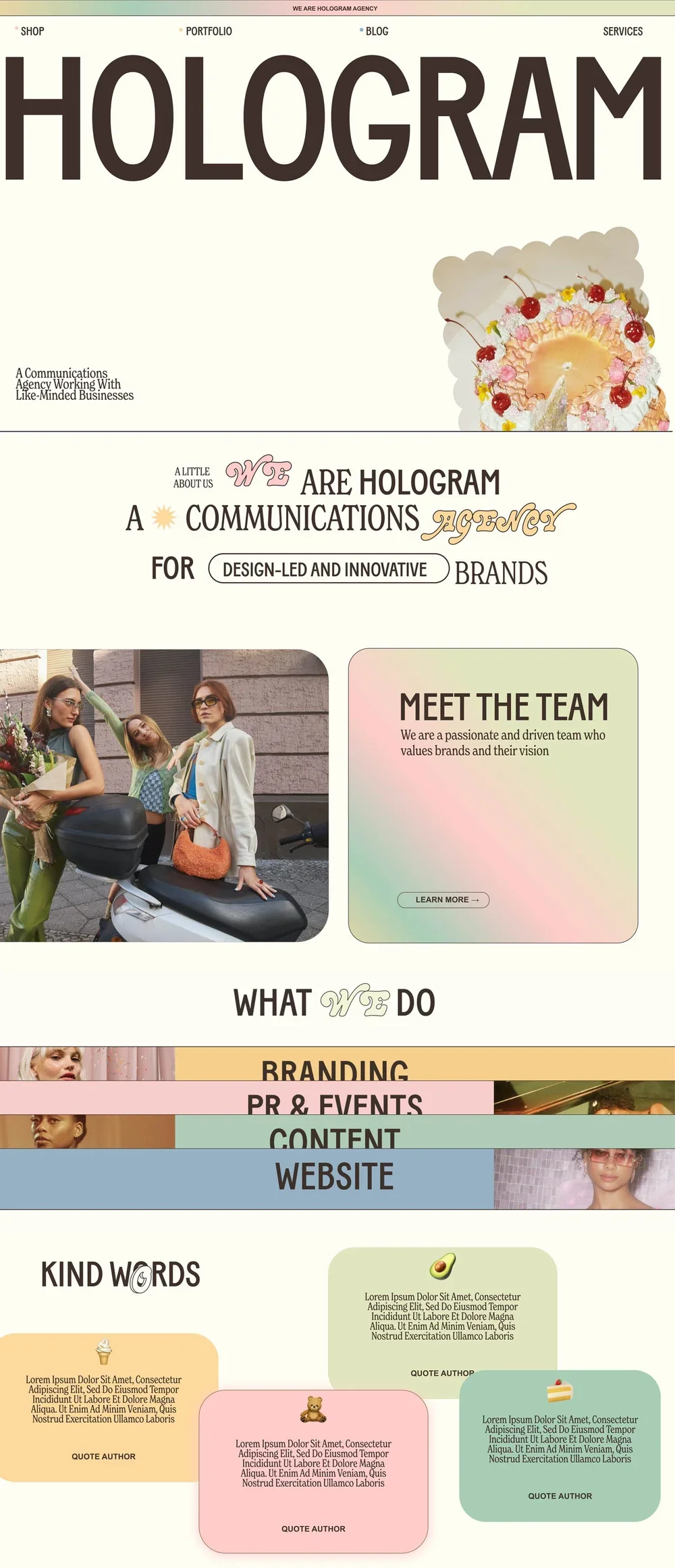
You'll gain enough CSS fluency to transform any built-in component into something stylish, unique, and more valuable to your clients. You'll put it all together by building the Hologram project and a premium Squarespace template, and you're never on your own with our community workshops, code support, and ever-growing Code Toolkit.
Essential CSS techniques for the Squarespace environment
Code that enhances accessibility, SEO, and performance
Building coded sections that stay client-editable
Creating and selling premium Squarespace templates
Community workshops, personal support, and our Code Toolkit
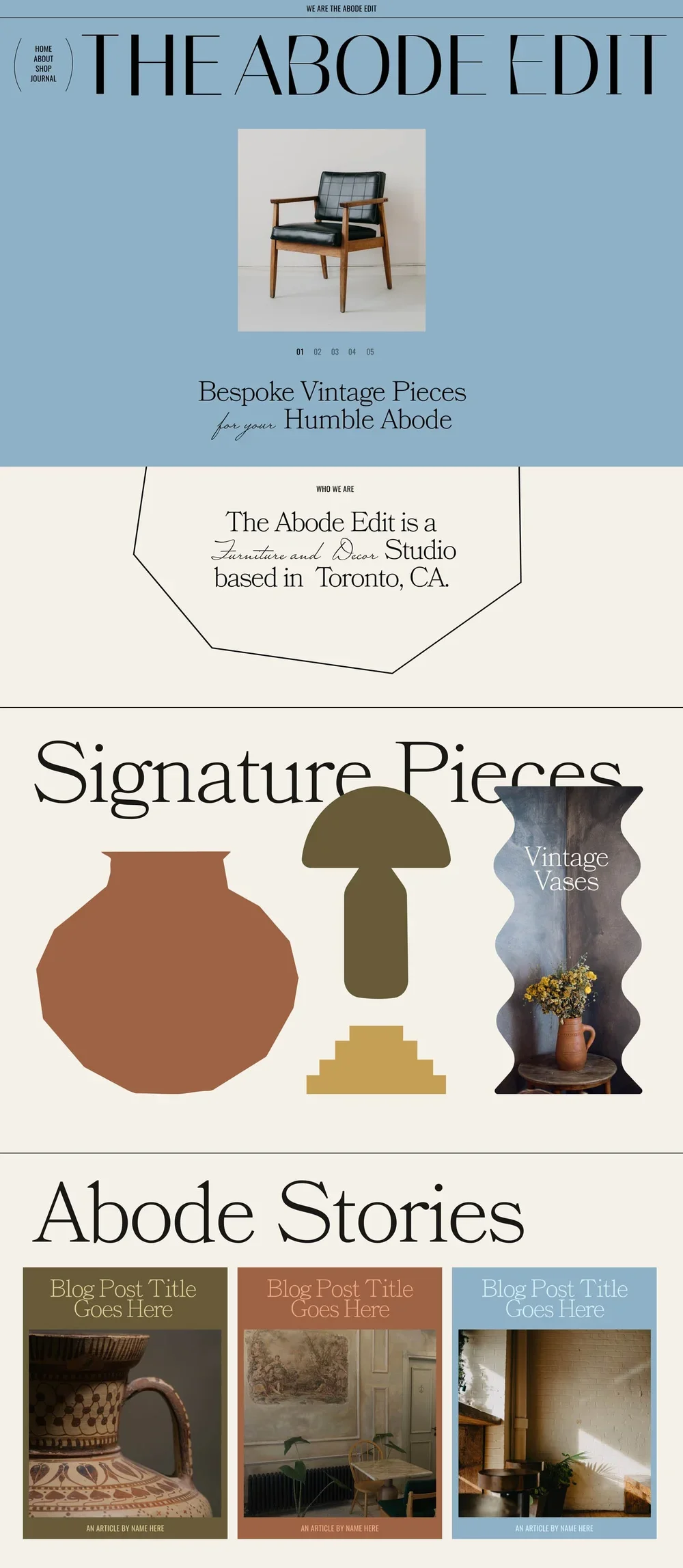
Phase IV
Supercharge your Workflow
Our smart coding method streamlines your entire creative workflow. We've built it into ready-to-use tools, templates, and libraries so the heavy lifting is already done for you.
Building and personalizing the Montage Master Template
Filtering through bespoke features in the code toolkit
Applying workshop techniques to live projects
Implementing Adagio, our Advanced Animation Library
Using Savvy, our coding assistant and Course discovery tool
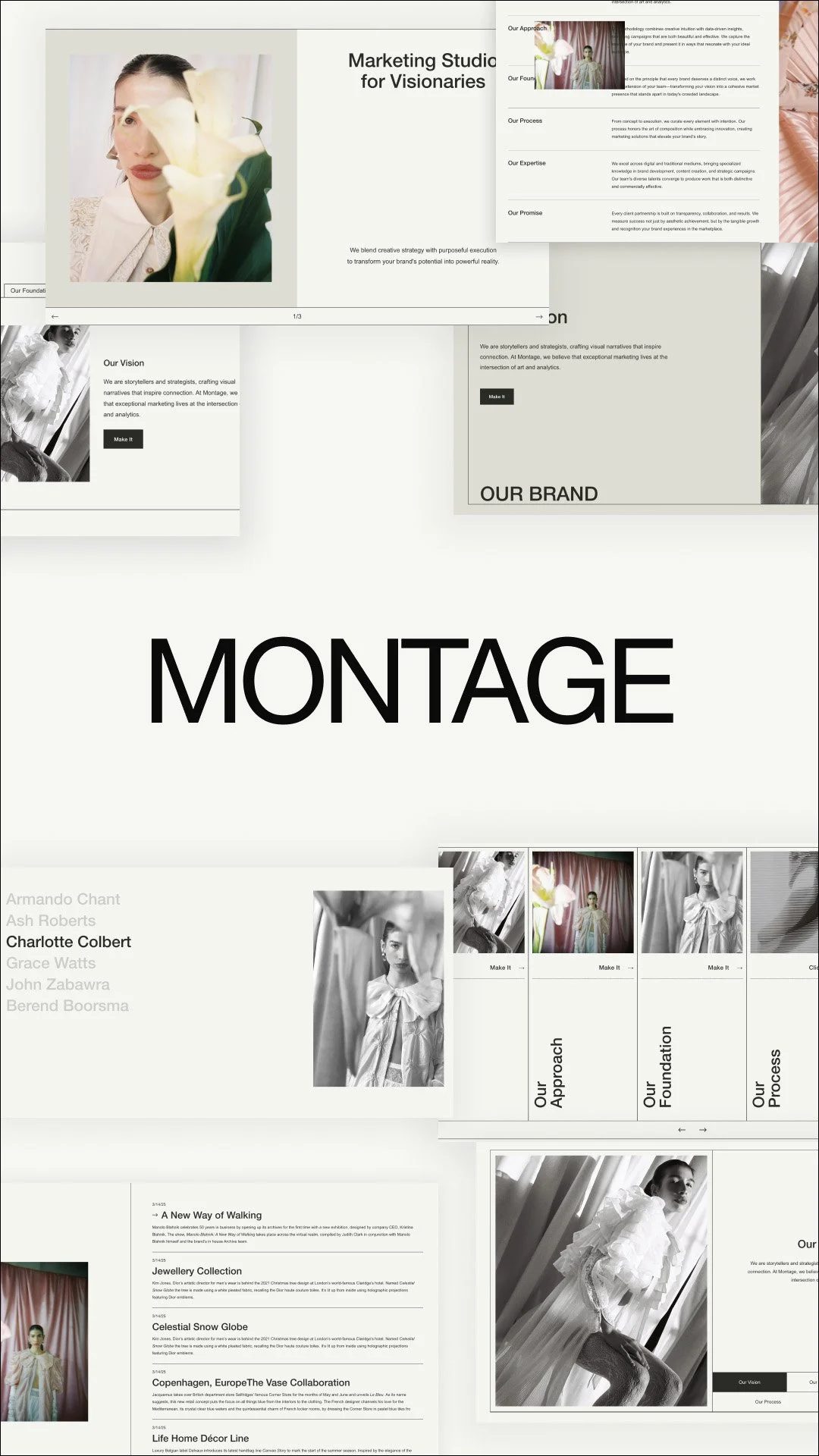
Phase V
Transform your Studio
With your technical skills in place, it's time to build the business around them. You'll have every template, script, and checklist you need to run a project from first inquiry to final handoff, with a client experience as polished as the sites you build.
Client Process & Discovery Templates & Scripts
Client Content Collection Prompts and Guide
Emails, Communication, and Project Management
Business strategy, pricing strategy, and Standout style
Selling Templates Masterclass
Figma Wireframing Workshop
Join Now
12 payments of $310
or
one-time payment of $3350
or
6 payments of $620
What you get in Standout Squarespace 2026
Lifetime Access
Foundations Modules A detailed walkthrough on the fundamentals of Squarespace design, from discovery to delivery
Business Success Unit The coursework you wish you had on entrepreneurship, including time-tested templates and workflows
Advanced Coding modules Chapters that sharpen your skills in Squarespace development and qualify you for highly specialized projects
Montage Master Template The ultimate starter template and upgrade suite that you may use in every client project
Adagio Animation Library Your collection of advanced motion design presets with the responsiveness and accessibility to match
12-MONTH
Support & Update Access
Code Toolkit A searchable repository of more than 450 snippets (we add more every week) that you can use for custom layouts to impress your clients. You may continue to use your saved snippets even after your 12-month support access.
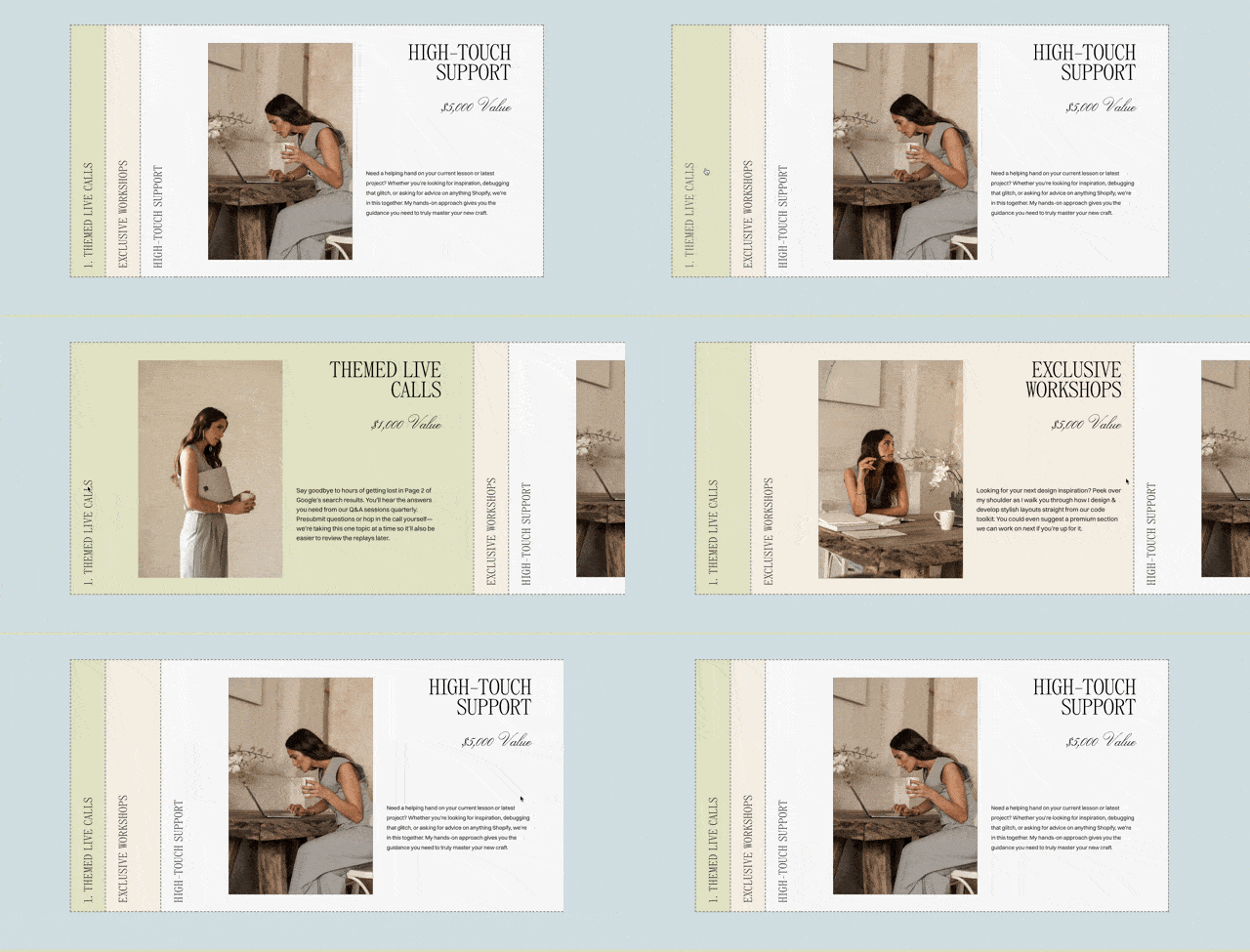
High-touch support Get personalized feedback within the exclusive Circle community alongside other students.
Direct Access to Rache Personalized support from Rache, founder of Squarestylist
Resource Updates Access to updates made to resources like Montage and Adagio
Bonus: Selling Templates Masterclass Notes on setup, delivery, and support—the additional legwork people rarely talk about.
Bonus: Figma Wireframing Workshop Lay the groundwork for Squarespace design before ever touching the site editor.
Standout AI ToolkitA growing suite of AI-powered tools built for Squarespace designers — Savvy (code assistant), Vignette (brand imagery), Course Discovery, and the Website Strategy tool.
Text goes here
Information about the business unit

The Standout Community
A community of designers dedicated to their craft:
learning together, building together, and getting better with every project
Learning together,
Inspiring each other
Whether you're self-taught, pivoting from another discipline, or a seasoned studio owner, you'll find your people here.
Our community space hosted in Circle is not a Facebook page that you forget about, it’s living space with designers asking questions, sharing projects, working through problems together. You'll learn from other people's questions as much as your own
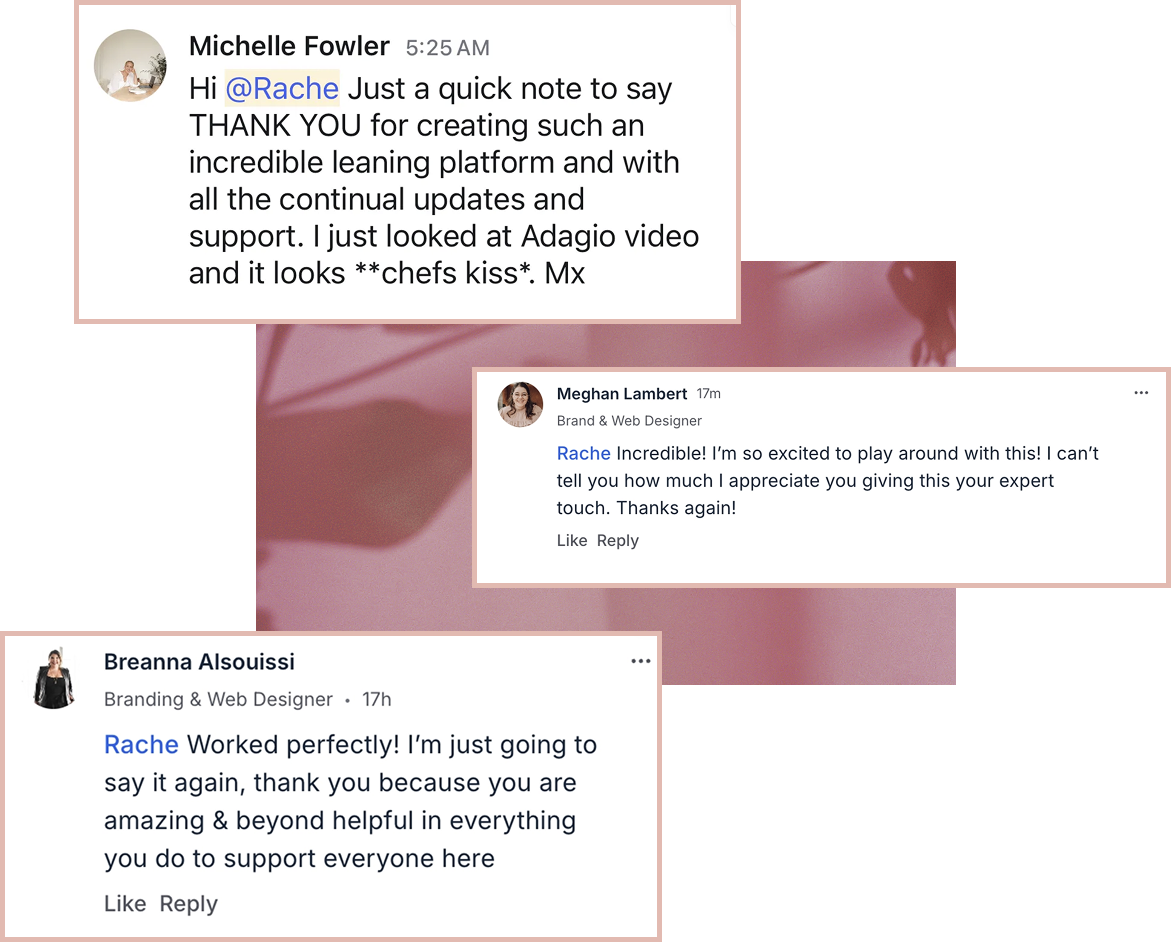
Personalized guidance
fromRache
For your first 12 months, you're not on your own. Get direct support from Rache and the team—thoughtful, personalized guidance on everything from troubleshooting code to pricing a project, often with detailed breakdowns and Loom walkthroughs built around your exact situation.
The most supported you’ll ever feel
-
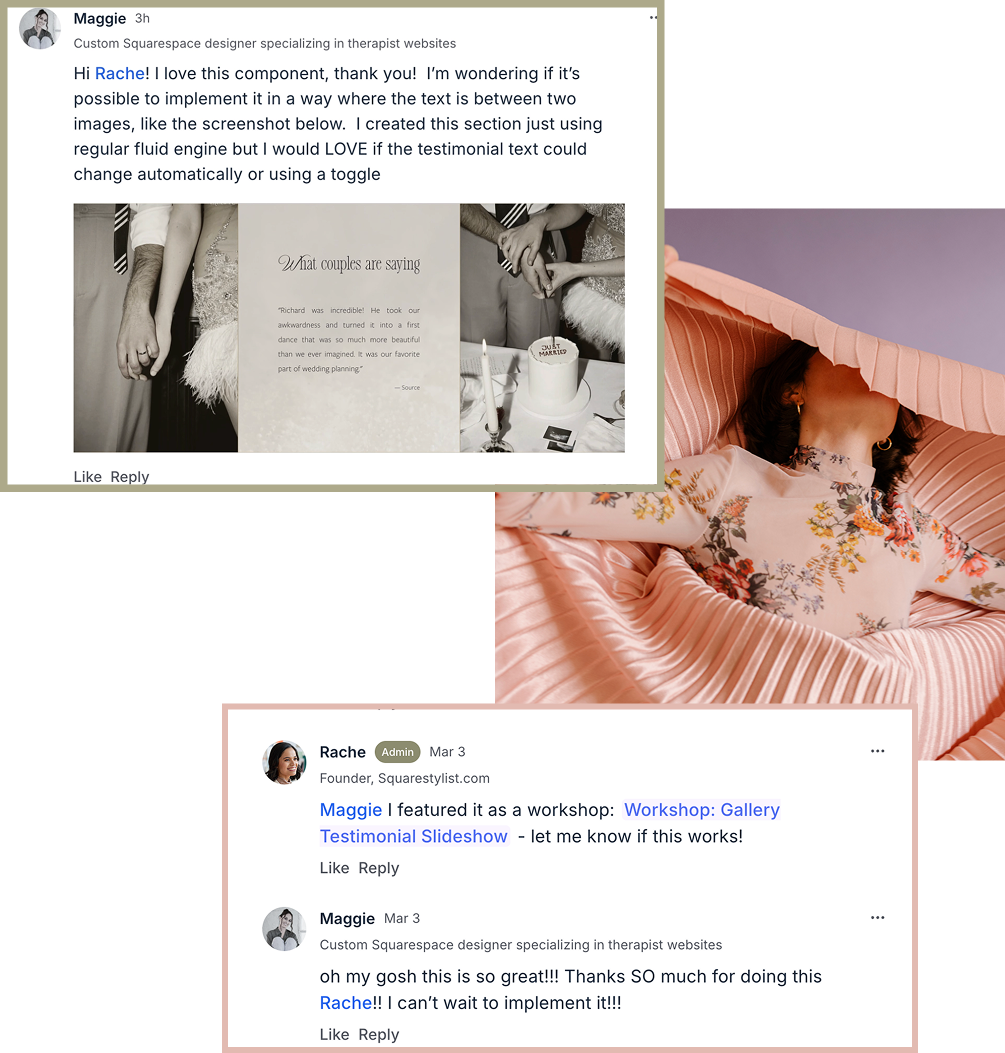
Bring your vision to life
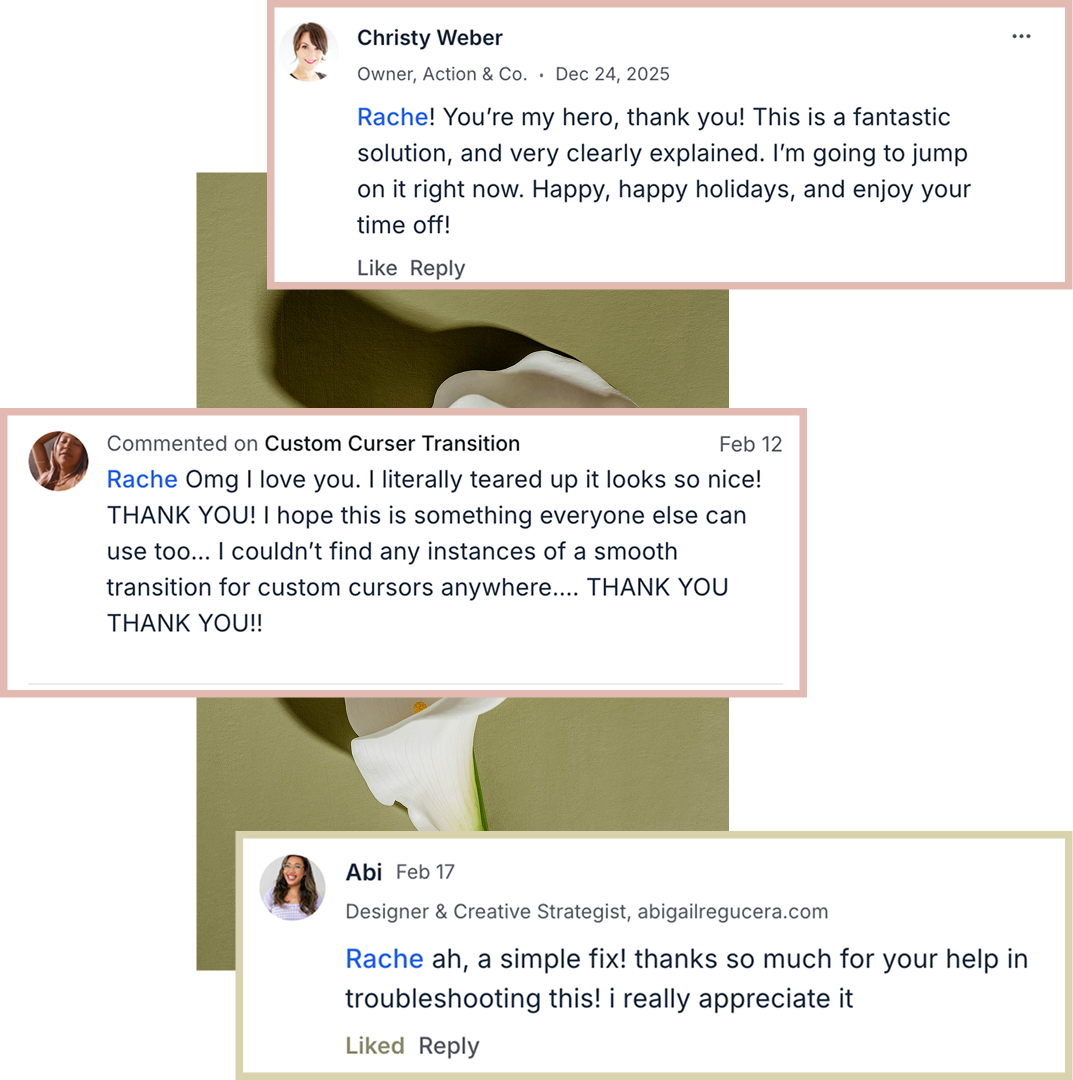
Have an ambitious idea but not sure how to build it? Bring it to the community and we'll help you think it through, often with a Loom walkthrough tailored to your exact project.
-
Troubleshoot tricky tech issues
Stuck on something that won't behave? Share what you're seeing and get thoughtful, specific guidance .
-
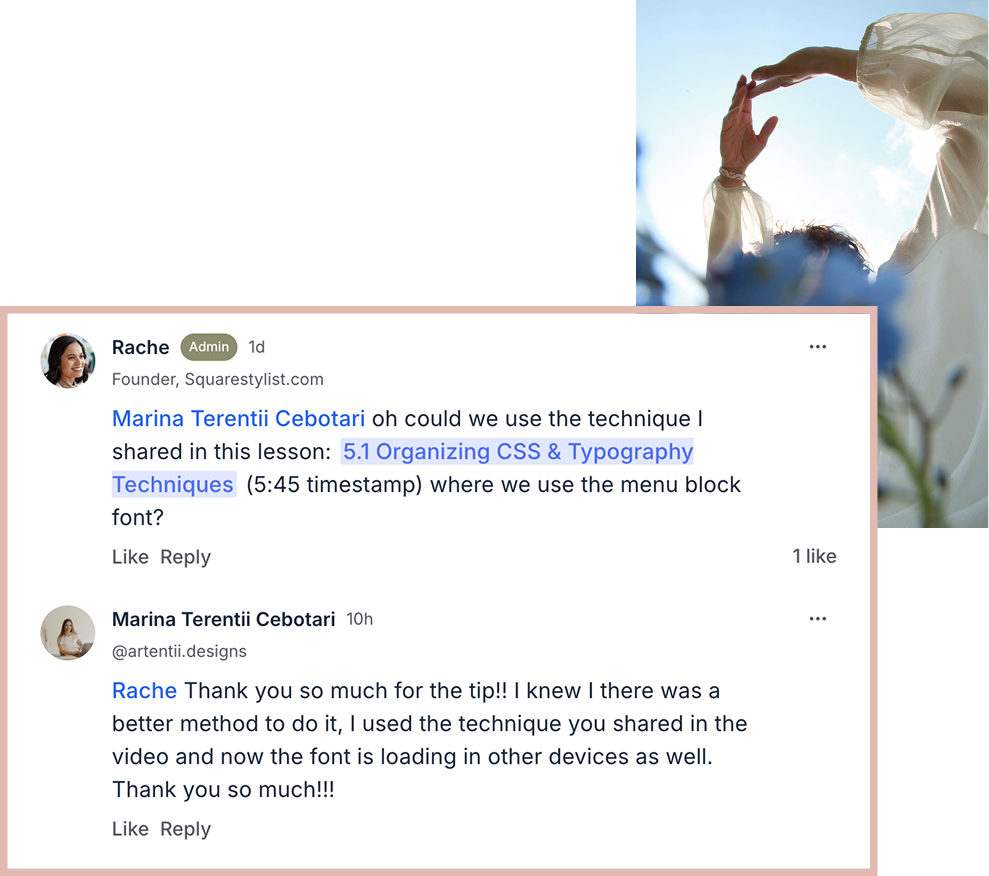
Find the right approach
Not sure which approach fits what you're building? We'll point you to the lesson, layout, or snippet that suits your situation — so you can spend less time searching and more time creating.
-
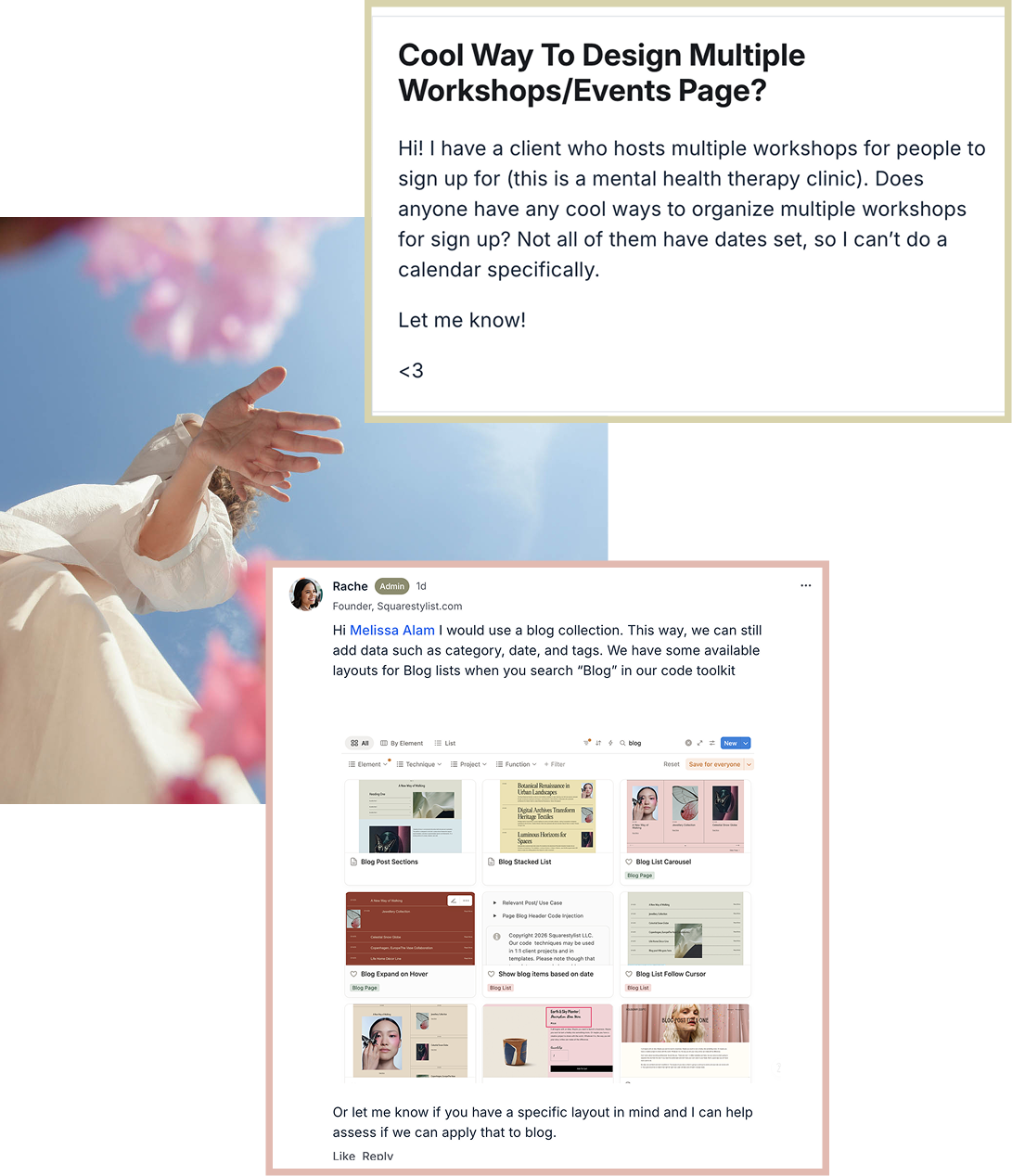
Stay current as Squarespace evolves
The platform keeps changing, and so do we. From sunsetted fonts to new layouts and emerging tools, you'll always have a place to bring your questions and a library that grows alongside your craft.
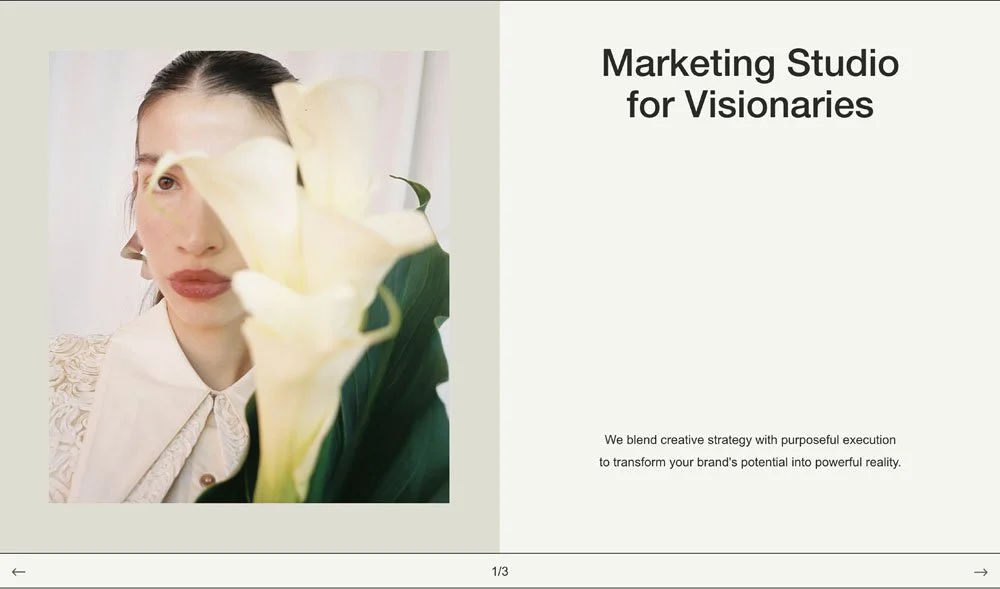
Montage
Expert-level website builds in half the time
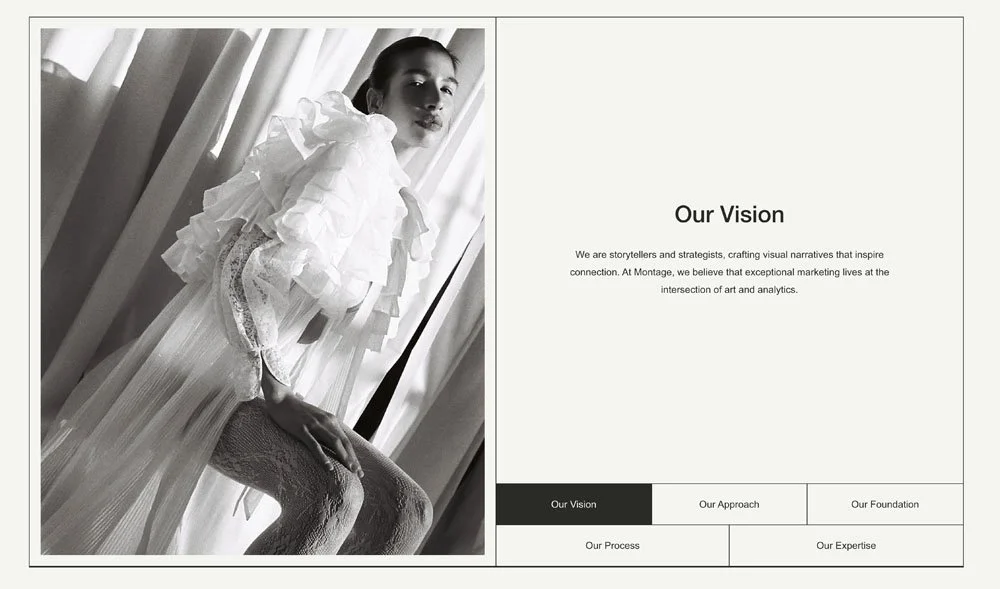
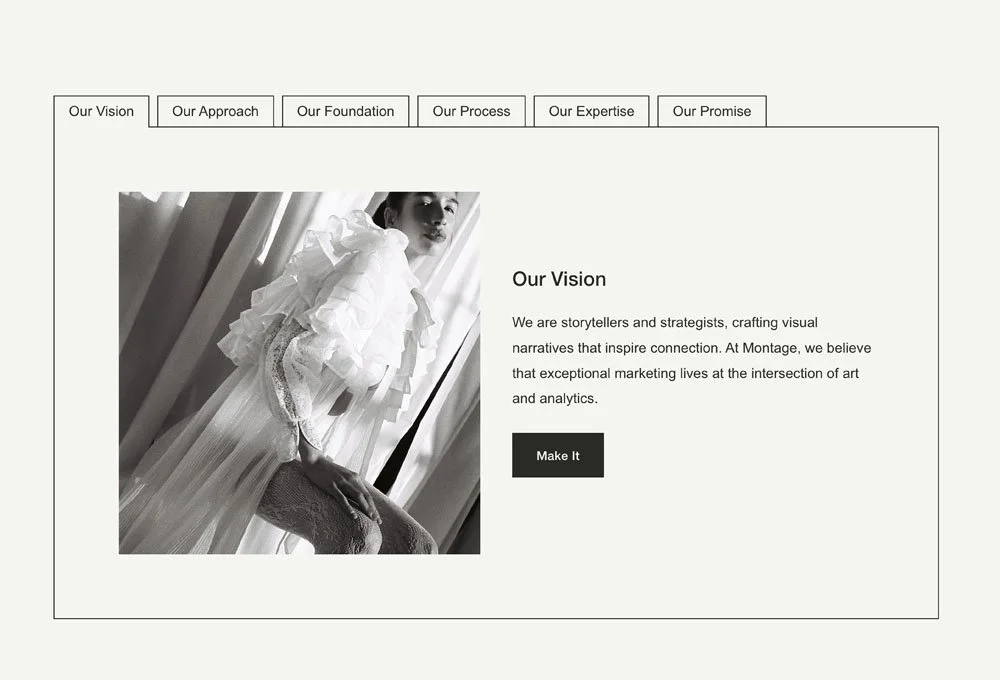
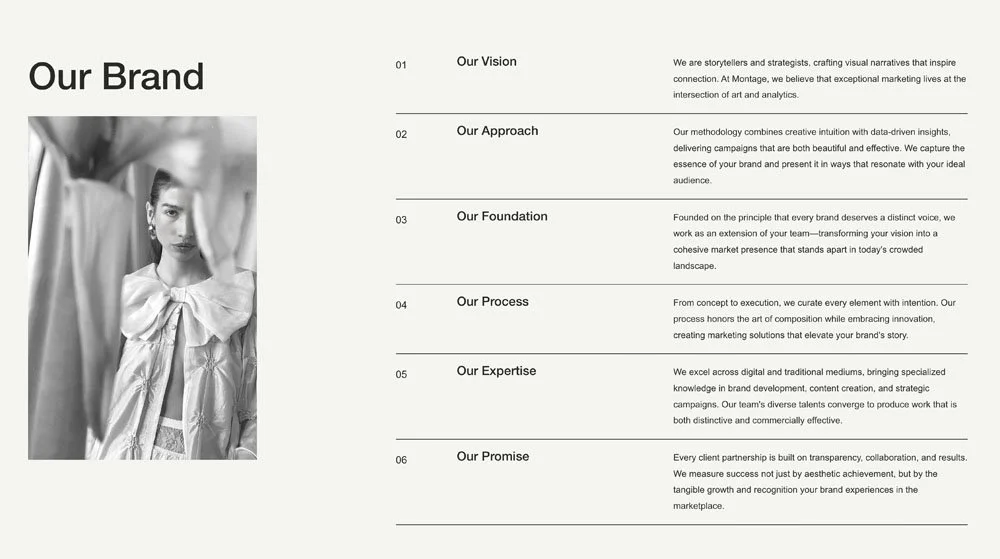
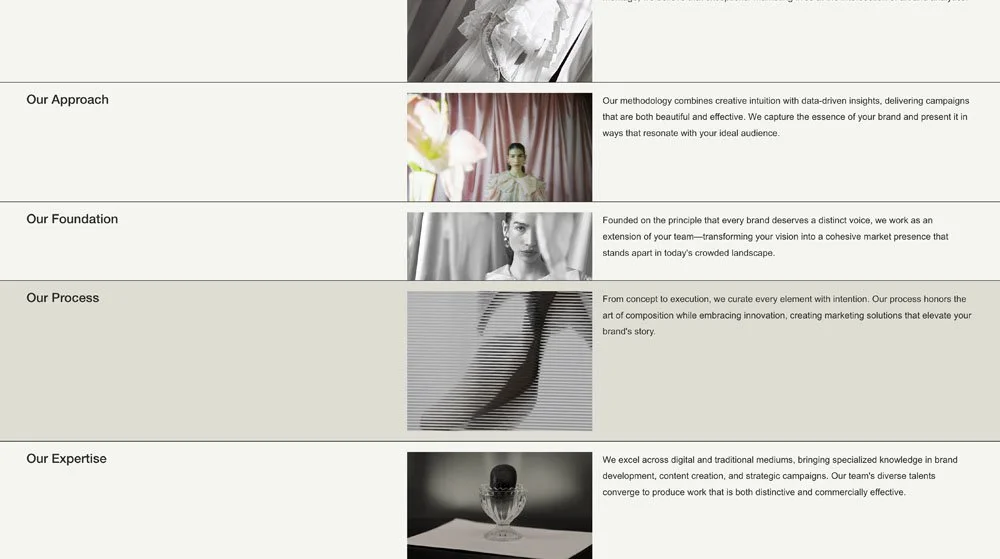
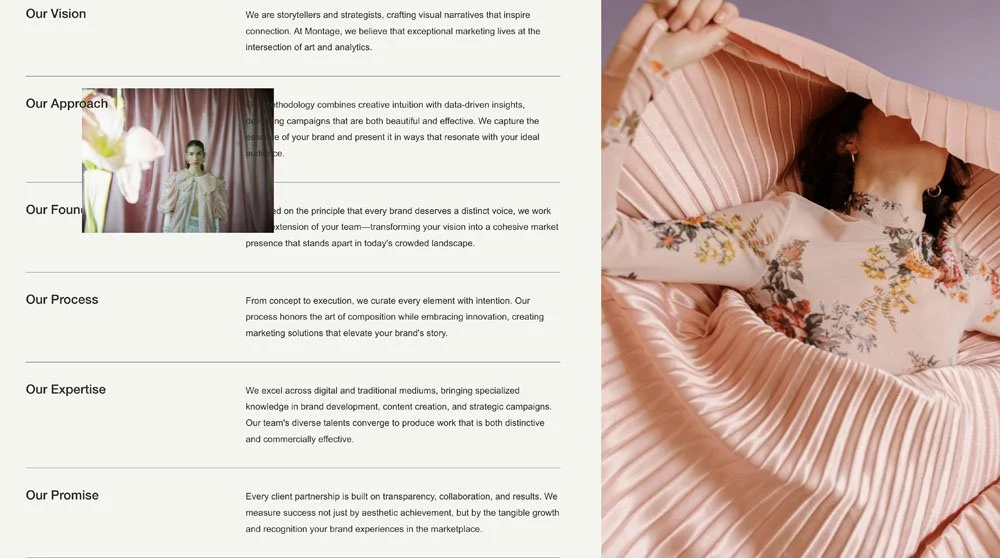
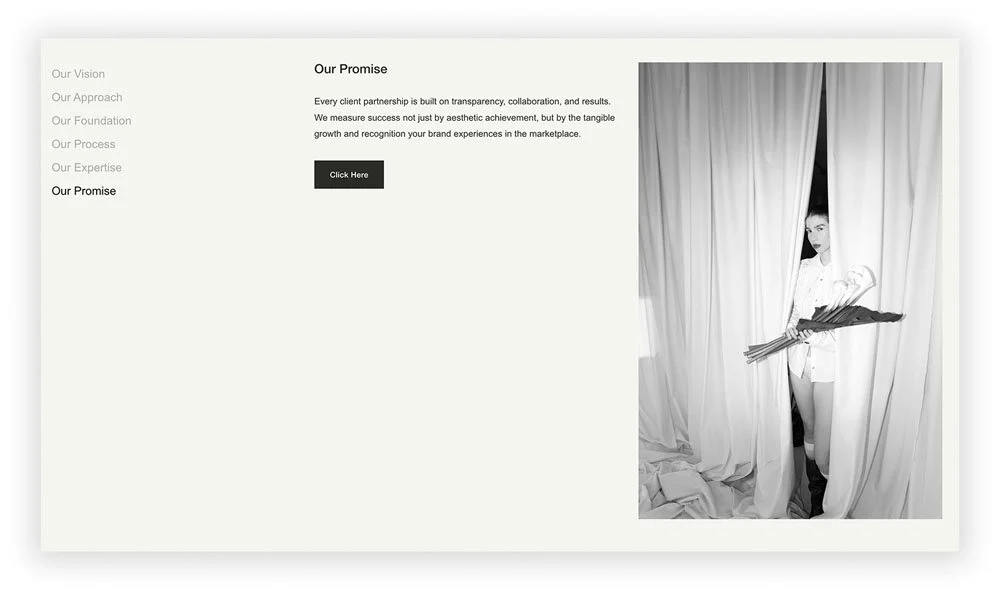
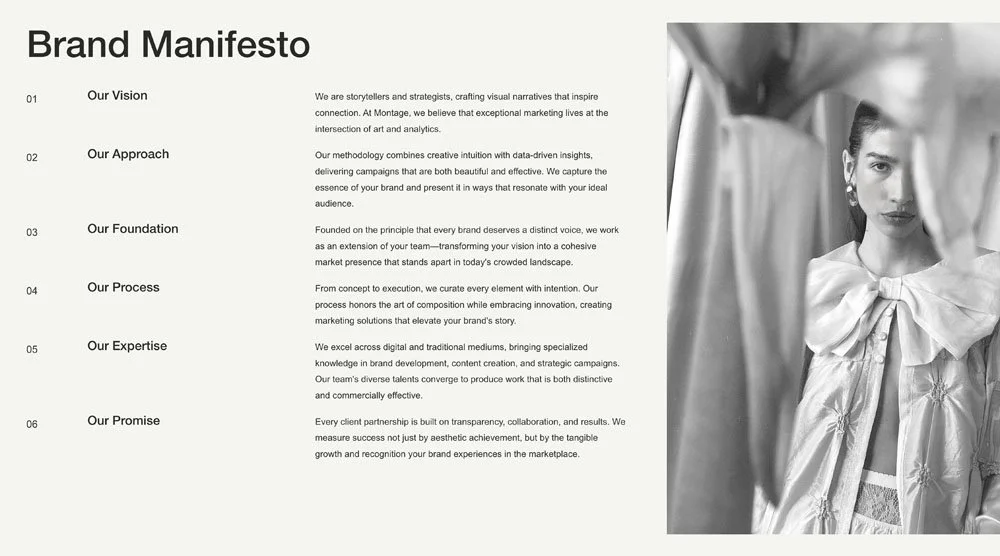
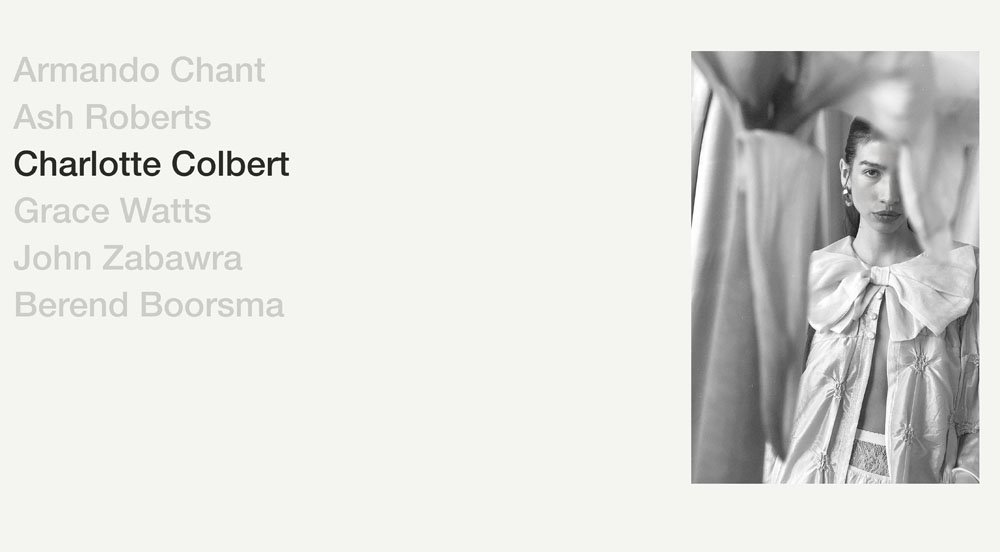
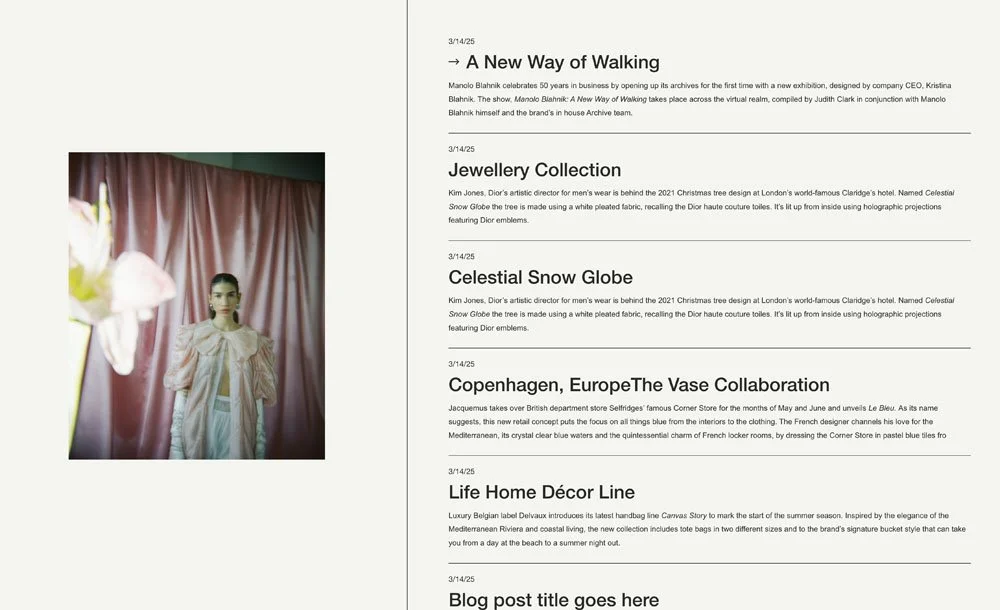
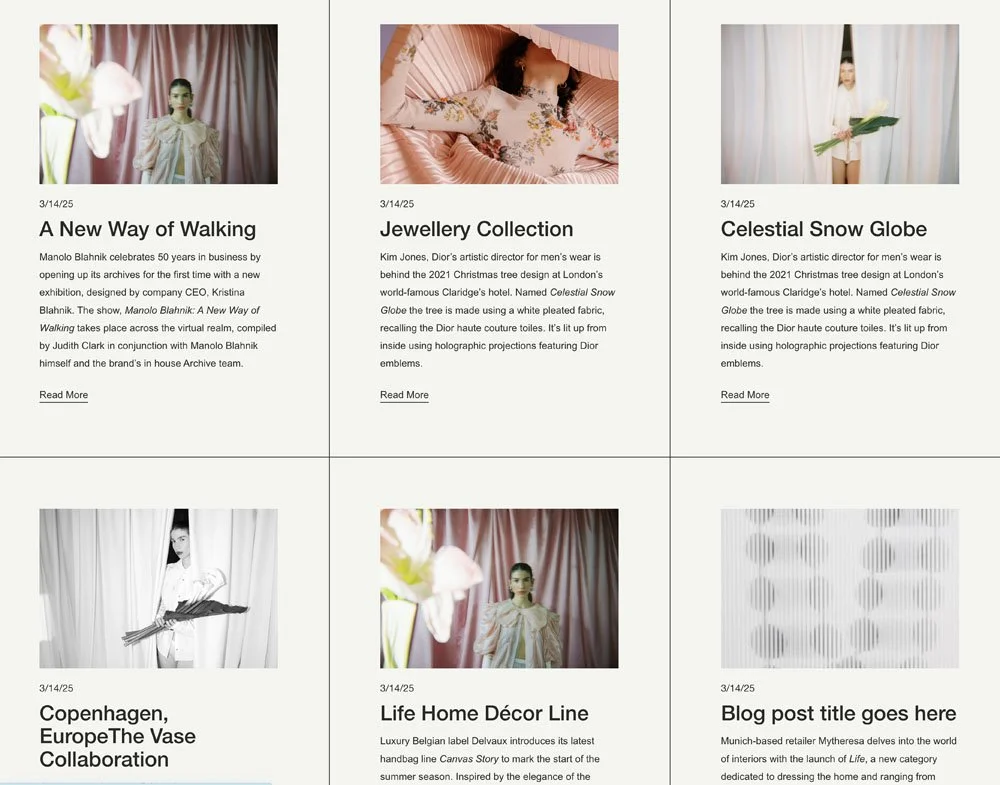
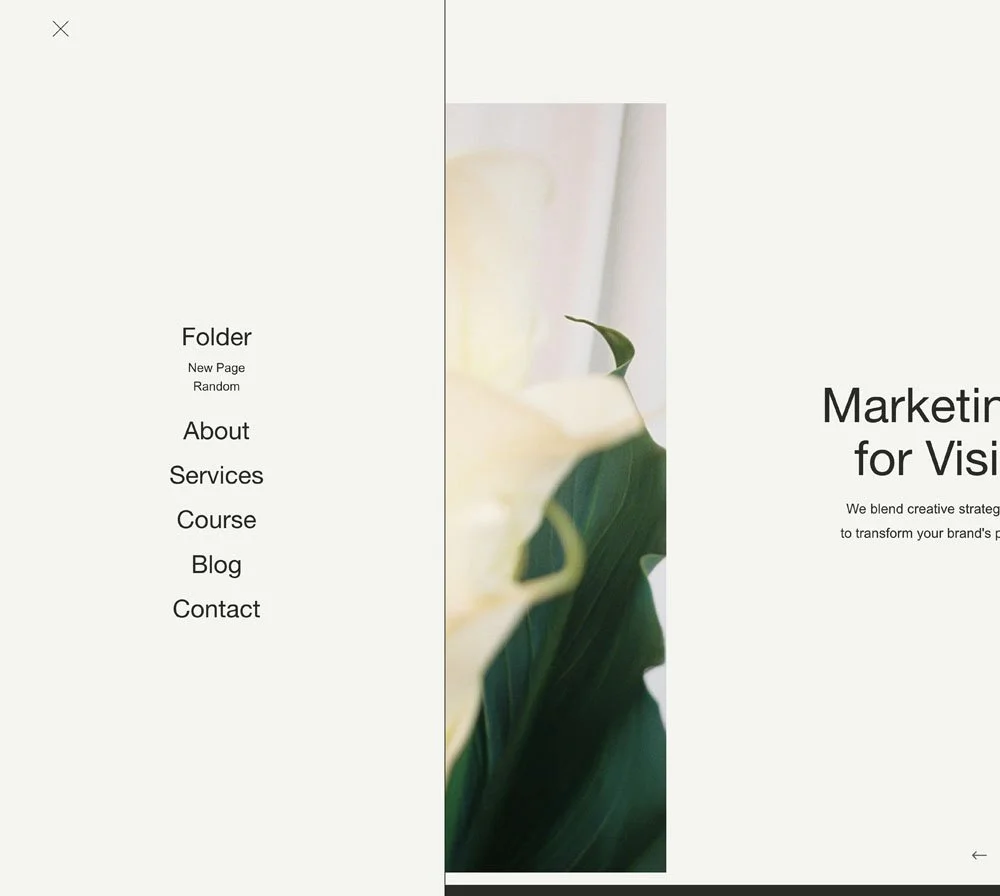
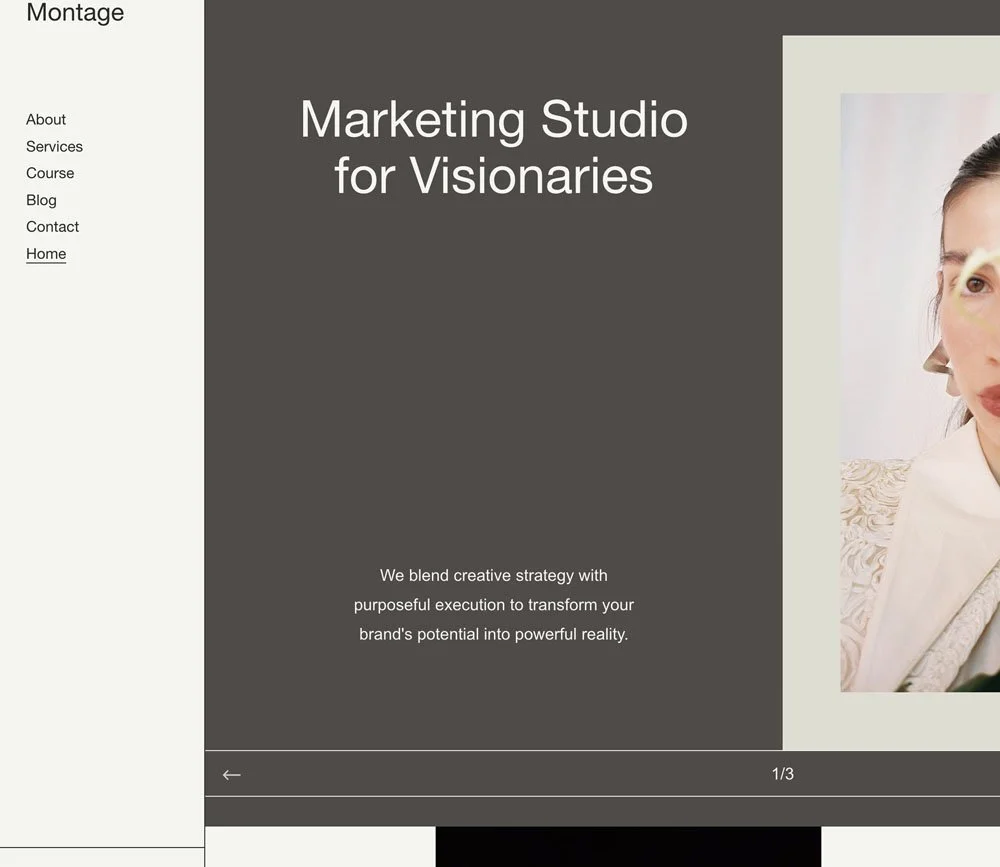
The designer template of your dreams.. As in a film, Montage is bringing your desired future closer to the present using all the moving parts. Our master template allows your distinct ideas to unfold without cutting corners.

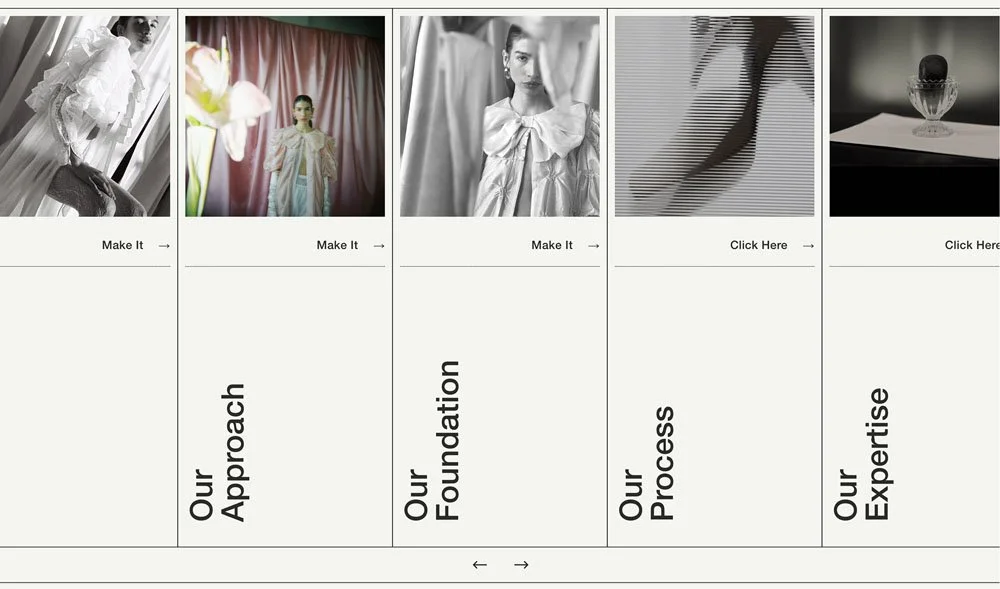
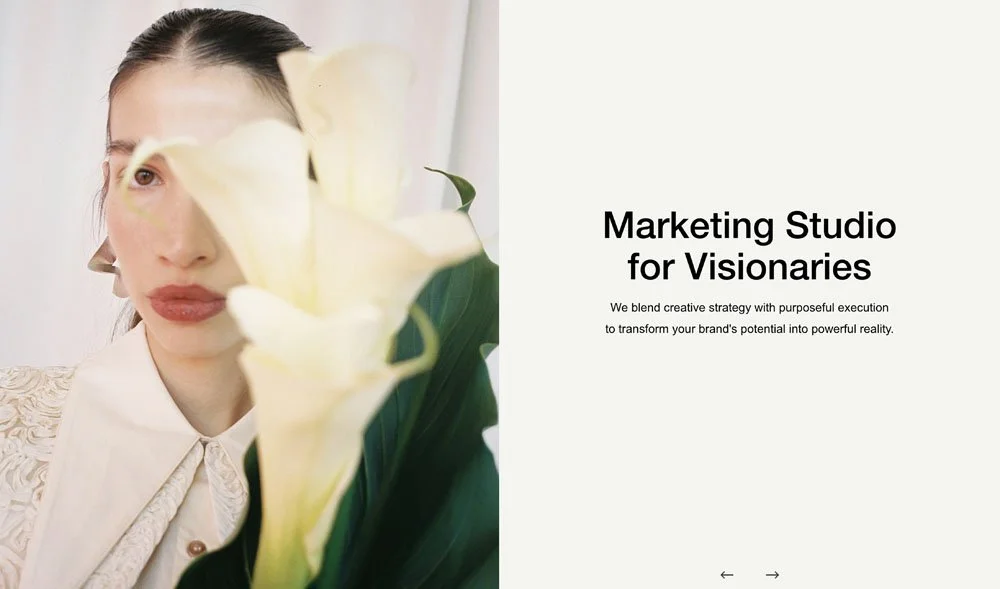

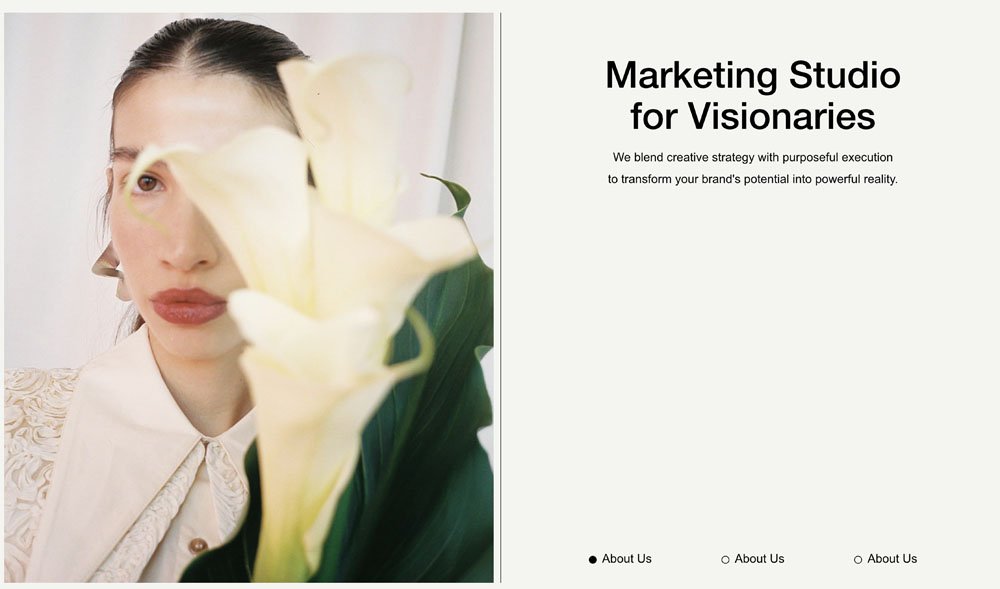
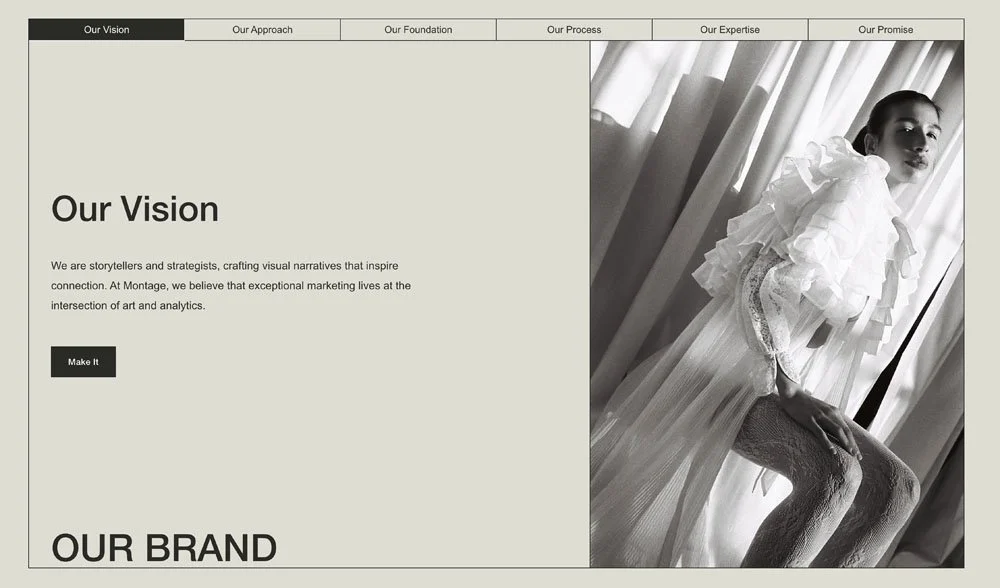
Standout Knowledge Base
Code toolkit, workshops, and business templates
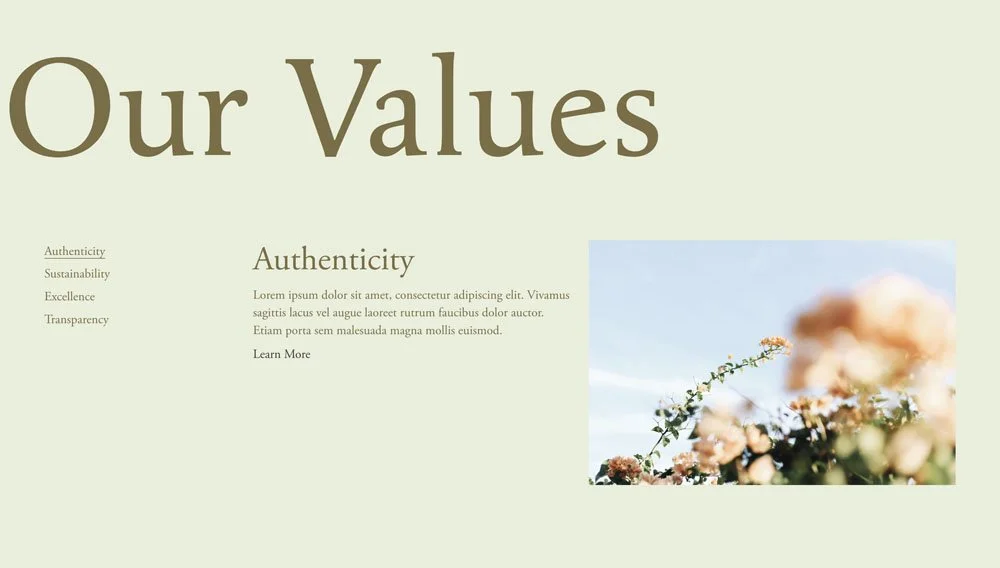
Inside our program awaits 500+ tools and techniques to anticipate milestones and bumps you'll encounter along the way, from design kits to code snippets, client questionnaires and proposal templates.
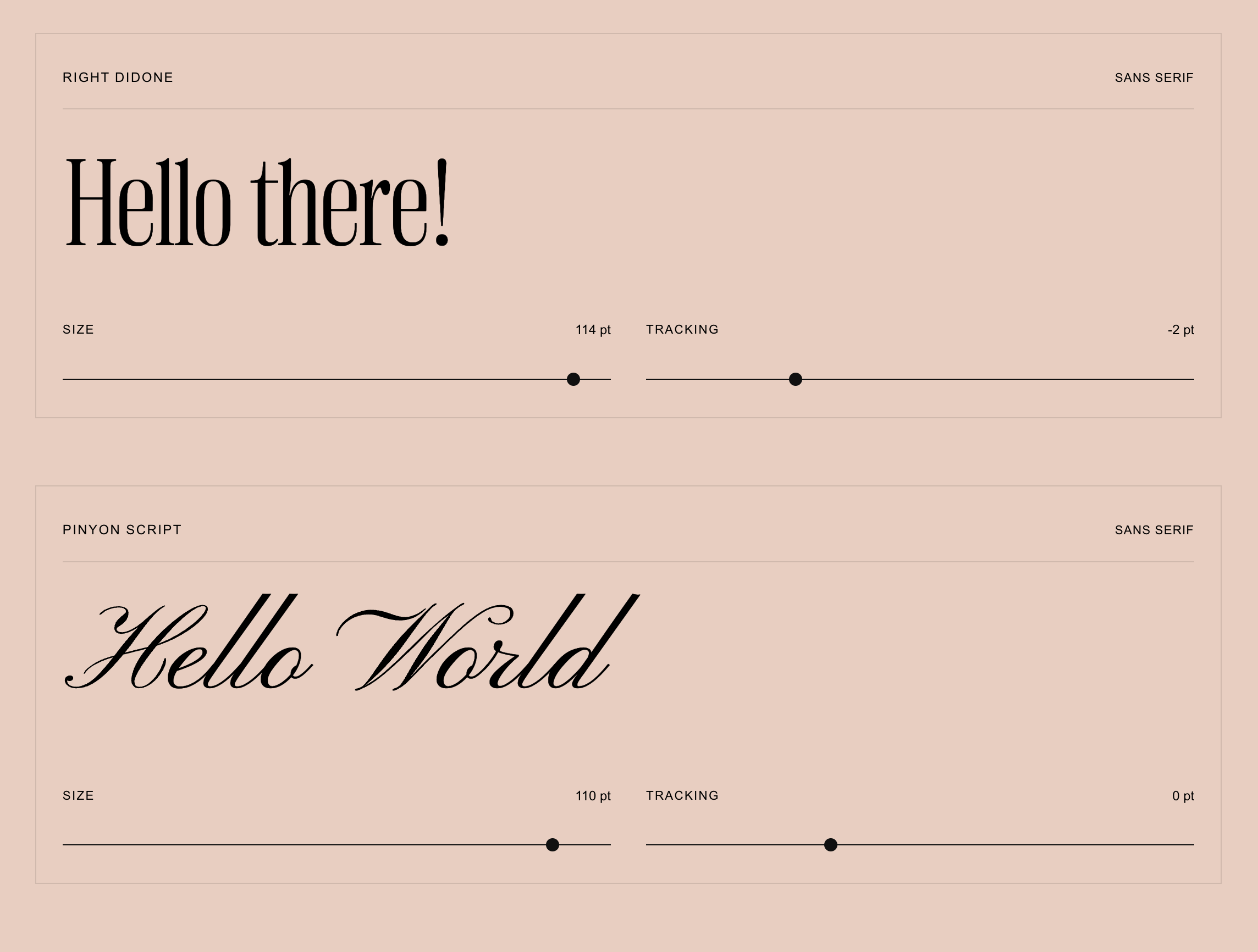
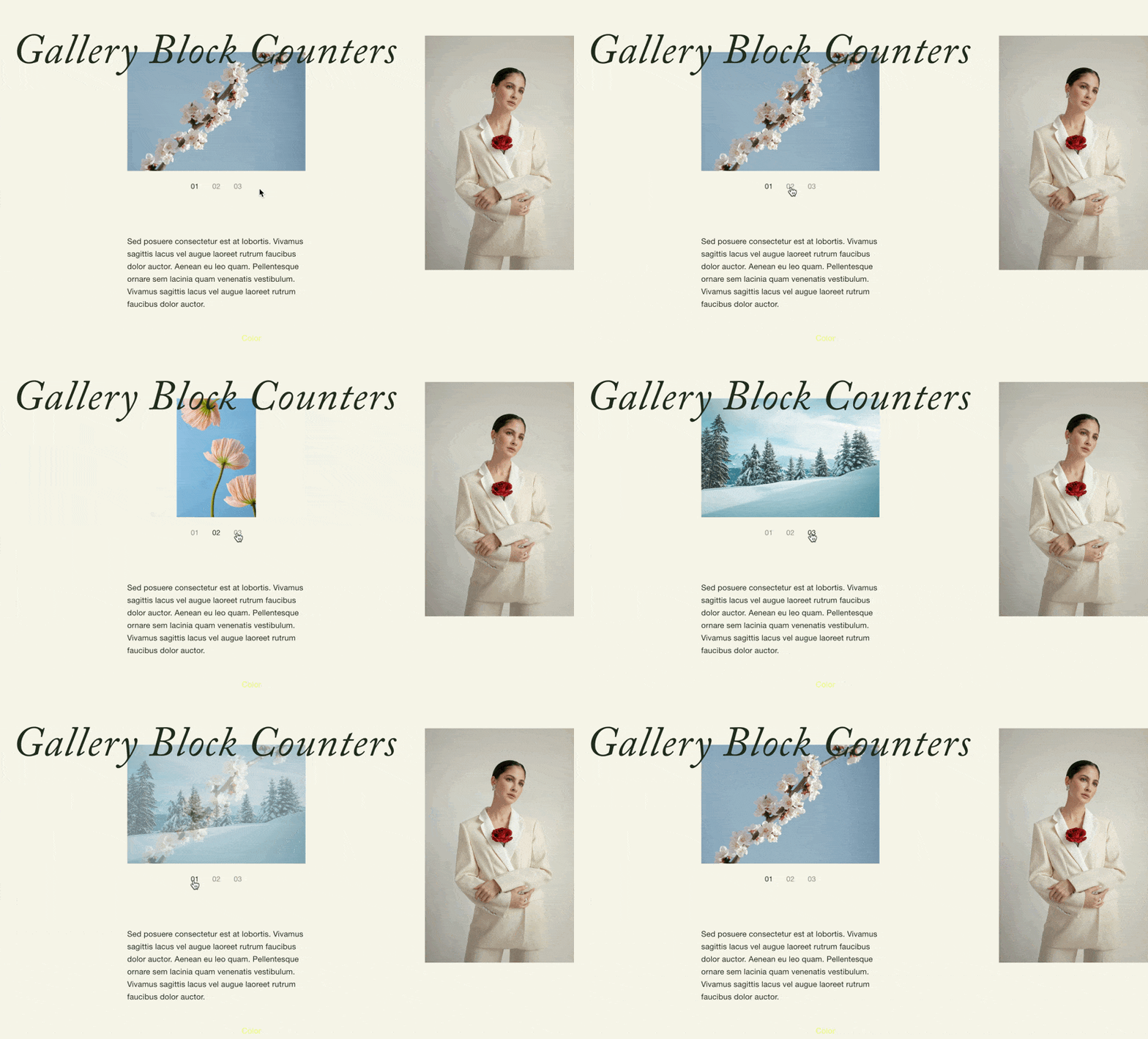
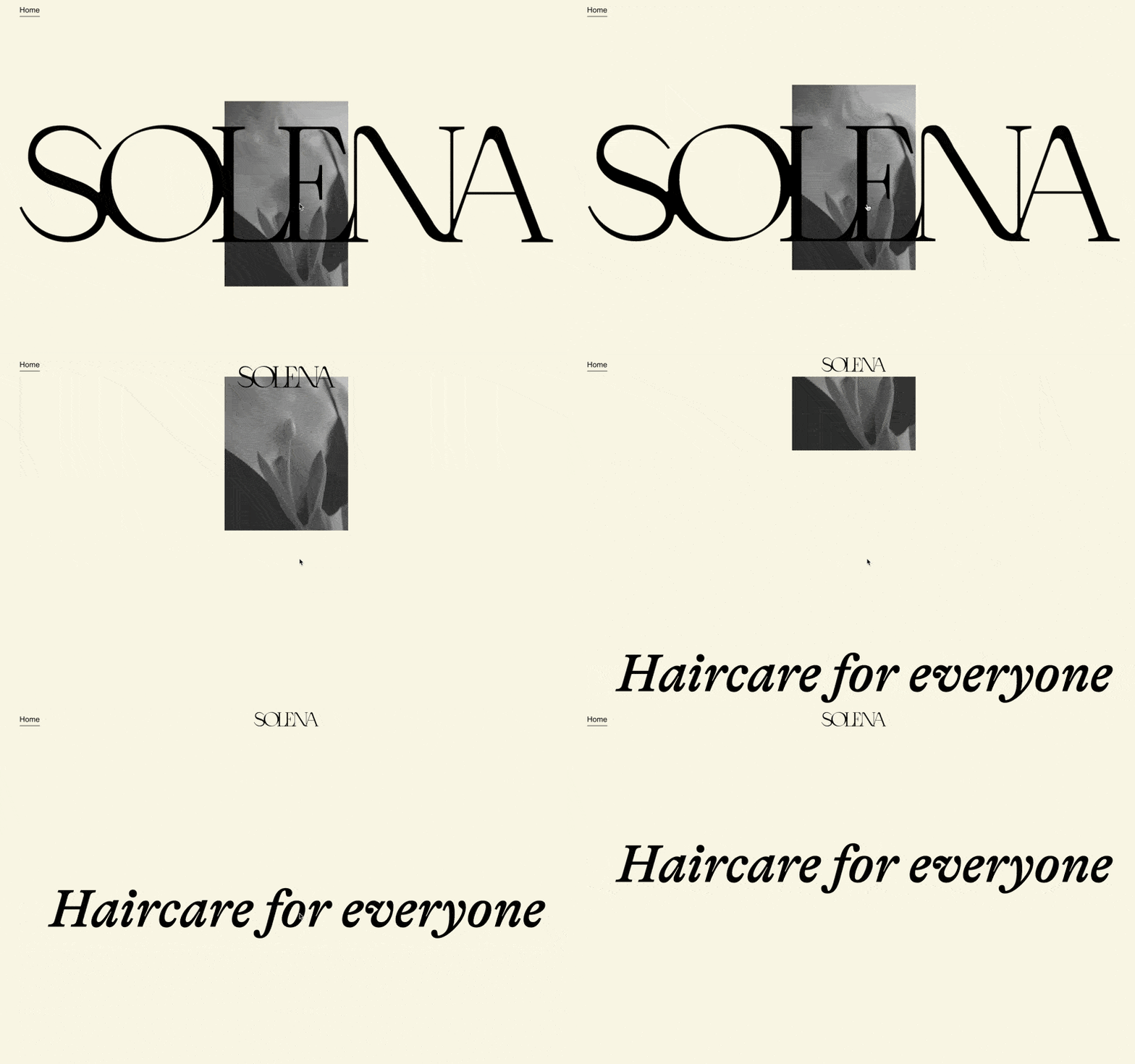
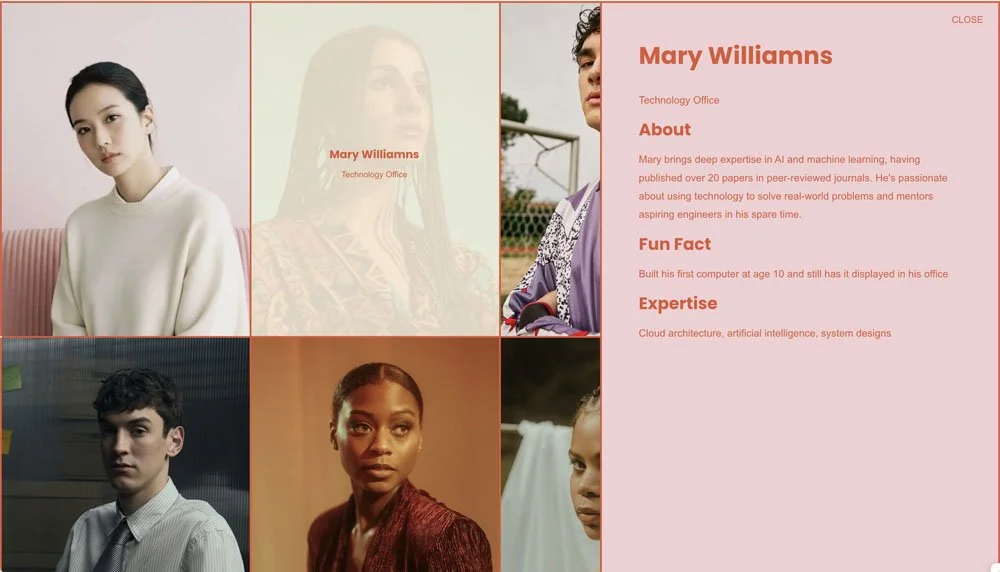
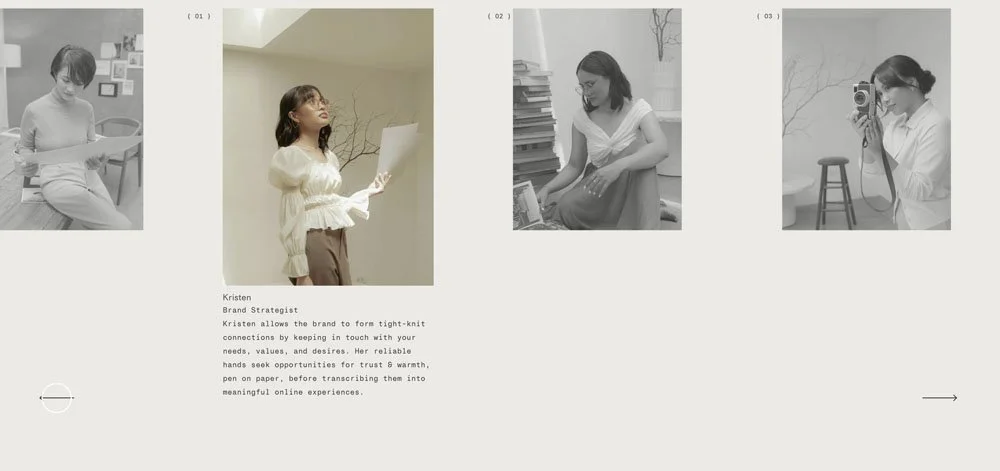
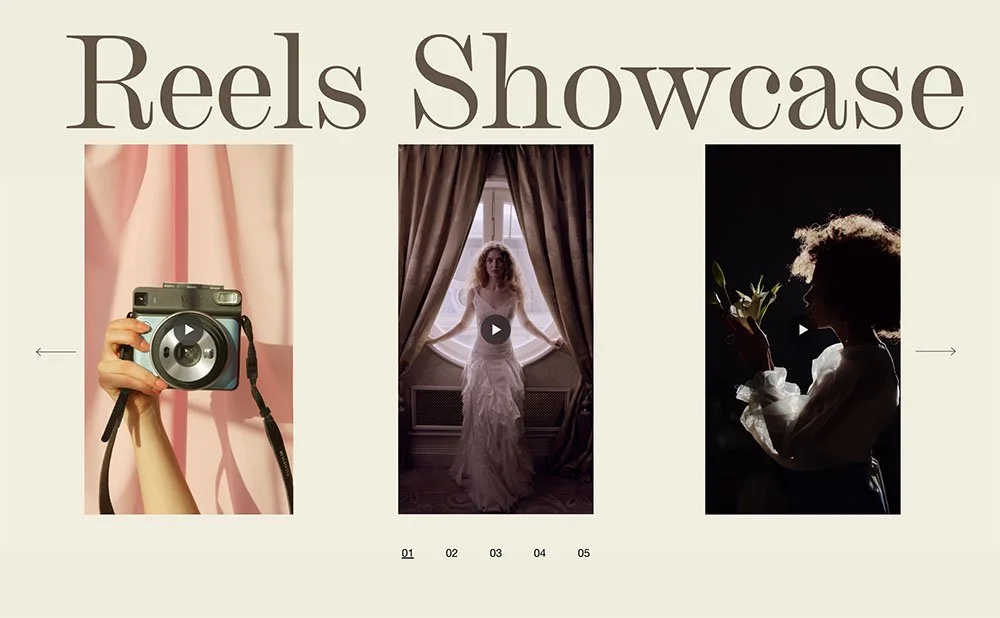
I. The Code Toolkit
53% of surveyed students believe that the code toolkit provided them the most immediate return of investment within the program.

Discover what you can build
Try our Discovery Tool
Tell it what you're working on. Upload a reference image of a website you admire. Ask "can I build this in Squarespace?"and it'll point you to the exact module, workshop, or resource that gets you there. It's like having a librarian who knows every shelf.
Standout Stories
Don’t just take our word for it
This isn't only our story to tell. Hundreds of students have much to say about our signature program surpassing their initial expectations. Much like them, you too can share in this narrative of reaping emotional and financial rewards through skill mastery.
Alyssa Downey
From "cross-your-fingers" coding to confidently building sites up to $13,000.
Krystle Hernandez
quickly found the confidence to move straight into advanced coding and booking her first client.
Rebekah Hayward
Replaced her “DIY scramble” with a methodical approach and turned a $4,500 build into a $20,000 project.

I’m Rache,
your mentor
When I left my job as a chemical engineer, I knew nothing about websites. All I had was the longing for a life that creatively challenges me—one that whisks me away from the drudgery of meetings and documents. So I took matters into my own hands.
What followed is almost a decade of unfolding: pushing the envelope of not only what the Squarespace platform is meant to do, but more importantly, who I was told I could become. I wasn't a designer or developer on paper. Yet inch by inch, my curiosity still led me towards crafting custom websites for hundreds of discerning clients.
Standout Squarespace distills all these years of experience into a single collective. My biggest hope is for you to enter this program and find in me a guiding hand that sets your life in motion, much like how everything worked out for me in the end.
I sold my first Squarespace website template for $99 in 2019. Since then, I've built templates like the Linea Template 7.0, Mosaic Template 7.1, and Montage—the template you get along with Standout Squarespace.
Even in school, my classmates praised my ability to take complex concepts and make them simple. You're not just another student to me. No matter how big or unexpected the question, I'm here to troubleshoot code, help you price an offer, or walk you through a concept.
Frequently Asked
Questions

-
On average, students dedicate about three hours per module. With six modules, that's roughly 18 hours of learning, which means most students finish in about 6 weeks at a pace of one module per week.
That said, you don't have to work through the curriculum in order. The program is designed as a resource library where you can pick what you need in the moment. The Code Toolkit is built for exactly this: grab a snippet, use it on a client site, and learn the logic behind it as you go. There's also a Discovery Tool, an AI-powered assistant where you can ask something like "how do I achieve this in Squarespace" and it'll point you to the specific toolkit entries or lessons that answer your question.
More so, Rache personally answers questions to meet you where you're at and point you to the right resource.
-
Not at all. You don't need any prior coding knowledge to follow along. The curriculum is built for beginners and walks you through every concept step by step. Most of our students started with zero experience and now confidently call themselves designer-developers. You also get personalized support along the way, so if you need more guidance on any topic, you're not figuring it out alone. And while you're building your skills, the code toolkit gives you snippets you can use on client projects right away, with a clear understanding of why they work.
-
Coding isn't the only path to premium pricing. Any skill you go deep on can get you there. But if you're drawn to the idea of building exactly what you envision instead of working around platform limits, learning code that gives you a creative edge that clients will pay more for
-
It's completely possible to design custom websites without code. But for your own site and for custom projects, you'll find fewer limitations when you understand it. Code doesn't just create interesting layouts—it solves business problems and makes sites more accessible and SEO-friendly. If you're reaching a ceiling in what you can design, this is for you.
-
I understand how significant this investment feels. That's why this isn't just a course with videos you watch once. Alongside the resources and community, you get a full year of personalized support—you can even add me as a temporary admin on your website so I can walk you through problem-solving on your live site. Anytime you need to troubleshoot, find out if something is possible, or get feedback on a layout, I'm here, usually with a detailed Loom video. You won't feel like just another student.
-
If you're just starting out, the Foundations tier may be the right fit. You'll get lessons on designing with development in mind, website strategy, mastering the fluid editor, plus the business success unit—client management, pricing, and proposal templates. Get more details on the Foundations tier here.
-
Absolutely! Yes, and we have a dedicated lesson on building Squarespace templates with premium coded components the right way. Everything in our code toolkit can be added to templates you sell, so your layouts feel custom without starting from scratch each time. The templates that stand out in a crowded market are the ones with coded details that look polished but stay easy for customers to update. You'll also get access to our Selling Templates Masterclass, where I walk you through designing, packaging, and marketing your own templates with expert guidance and done-for-you systems and automations to run your shop.
-
You can be a successful, well-paid designer on any major platform. I built Standout Squarespace because I believe Squarespace is the best option for designers who want to create custom sites and templates. It's the most intuitive interface for clients to edit themselves. It scales well, even for high-traffic sites. And as an all-in-one platform, your clients can have courses, a shop, and invoicing as part of their website.
-
The market has a lot of identical AI-generated sites that are hard for clients to maintain and don't perform well in search. AI can write code, but the outcomes aren't always reliable, and most clients can't or don't want to maintain it themselves. Hiring a designer means their website works from the start. In Standout Squarespace, we integrate AI-powered tools throughout the curriculum and have ongoing discussions on using AI responsibly as a tool that enhances your process, not one that replaces you.
-
You could, but the value of Standout Squarespace goes beyond a code library. You learn the foundations so your strategies are strong. You understand the why behind the code so you can troubleshoot confidently. You get skilled at combining techniques so your creativity isn't limited by what AI can generate. AI outcomes are only as good as the questions you ask. Learning the technical foundation helps you ask better questions and spot when AI gets it wrong.